

10/9/2026 / Timepaths

Possibilities of Creation 2: Using Values
Possibilities of Creation is a weekly series that will be describing how to make cards in Timepath's card editor. The next card we will make is an action card, that will give us 10 cash (a resource) for each card we have in our hand. This tutorial will introduce the concept of values.Getting started
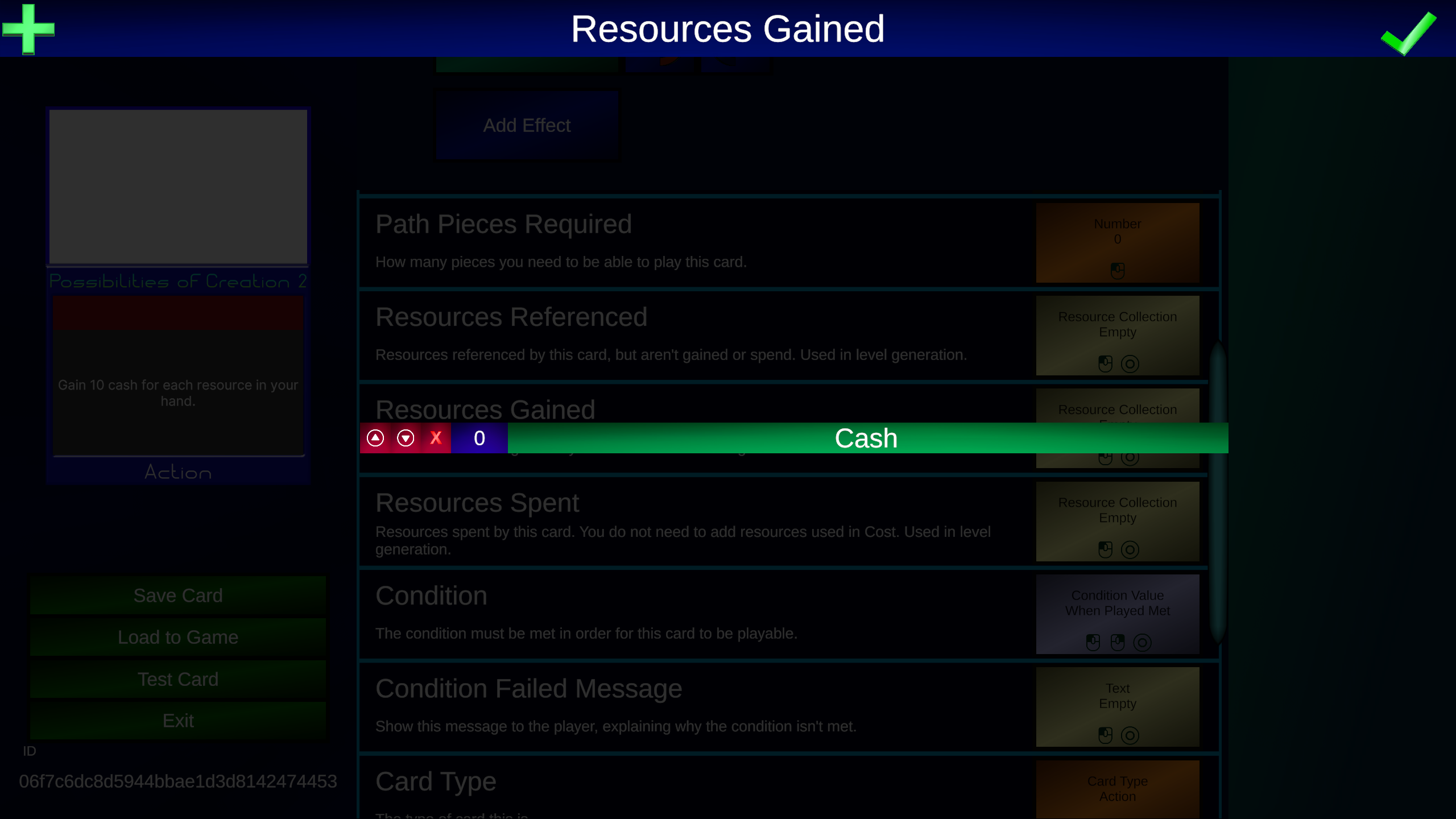
Once again, we will enter a name and description for the card. In the stats screen, we are going to edit Resources Gained.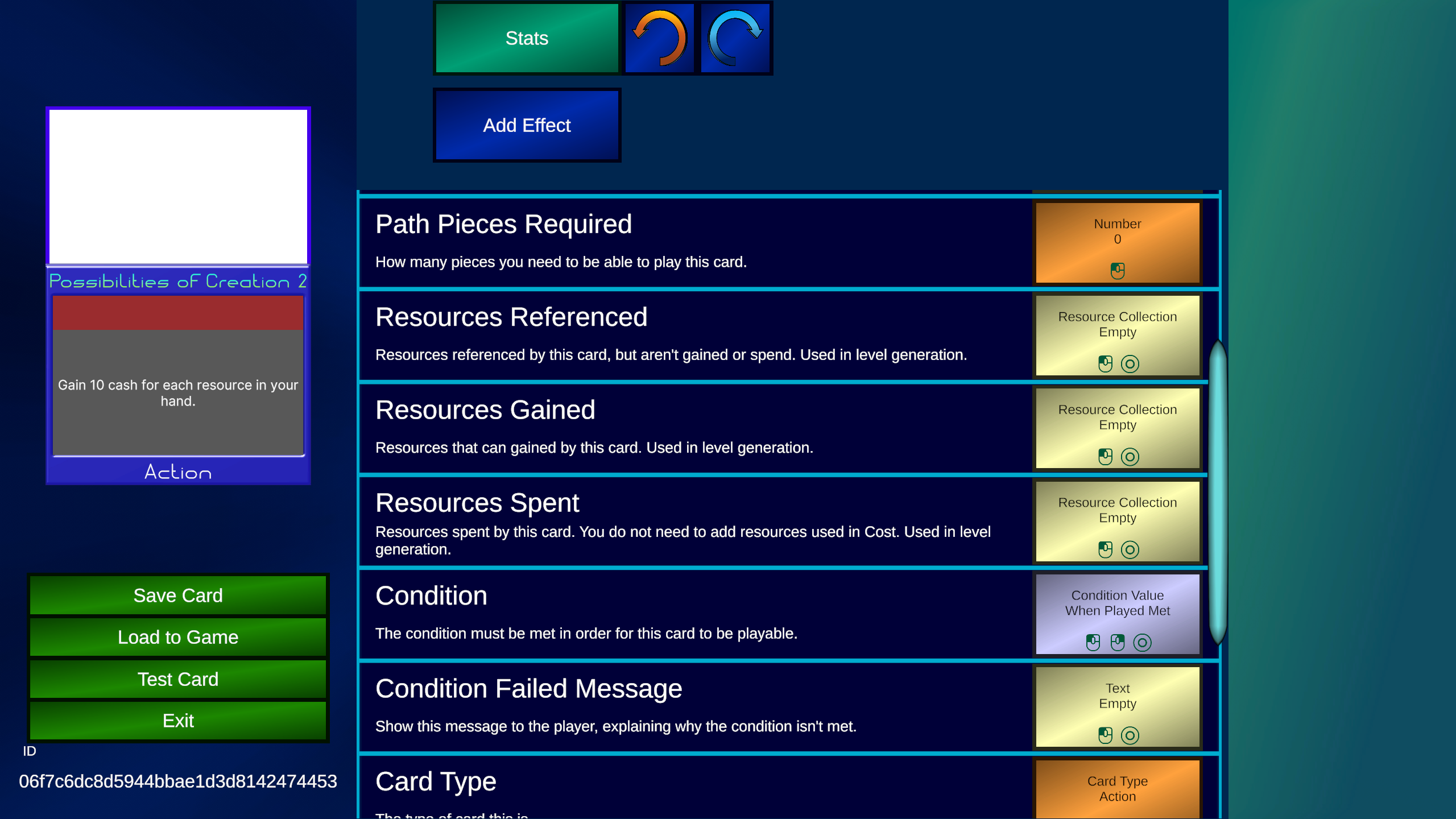 This is data used to help generate custom levels. This is represented in a collection. Collections allow you to choose more than 1 item. For this card, we only need to select cash.
 Now we add a "When Played" effect. Under the steps screen, we will add the "Change Resource" step. As a reminder, anything with the yellow background are the steps most commonly used.
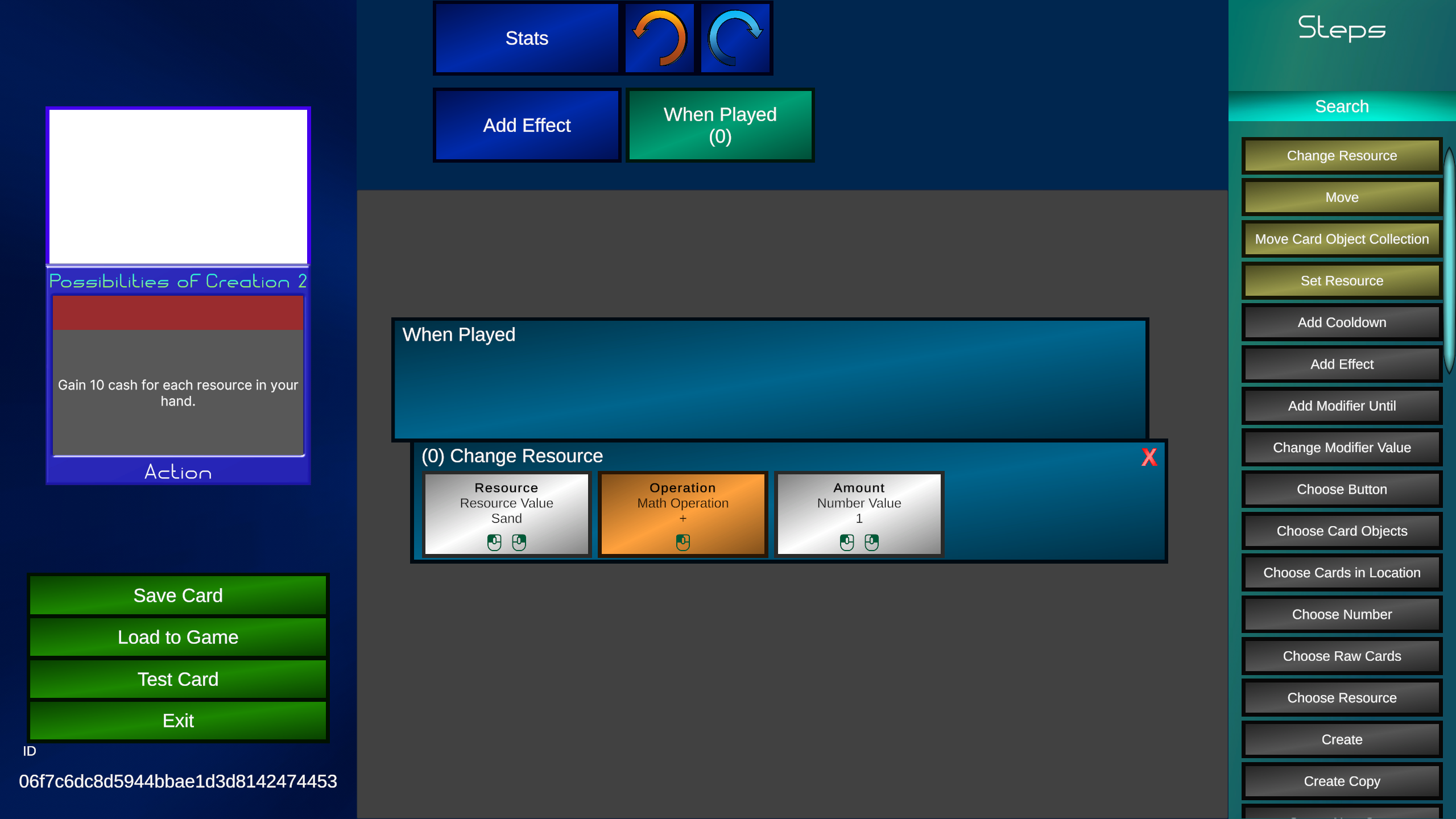 We will then set "Resource" to cash by pressing on the slot then selecting cash. We can leave "Operation" alone. Now to make the rest of the card, we need to explain Data Types and values.
What is a slot?
Slots are the boxes represented in the Card Editor, they contain information about what this is representing.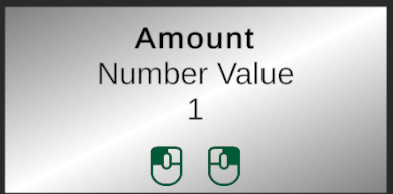
- At the top of the slot, is the name of the slot. This can help describe what you are editing.
- Below that is the Data Type (explained below).
- Then it shows what the current value is assigned to.
- And finally are symbols.


What is a Data Type?
Data Types are different ways that data can be represented. (For example, when we made that card that draws 2, Number is a datatype) Other examples include Text, Resources, and Triggers.What is a value?
A value is whatever data is assigned to a slot. (For example, when we made that card that draws 2, the number 2 is a value). These ones with white or orange backgrounds that can be edited by pressing on them are called Constant values, as they will always be the same when the effect is used. But what if you want a value that changes based on info from the game? Then you will need to assign a different value. Any slot that has one of these symbols can be assigned a new value.
 Right clicking on pc or long tapping on mobile will show new blocks on the right menu. These show you the different values you can assign to this slot.
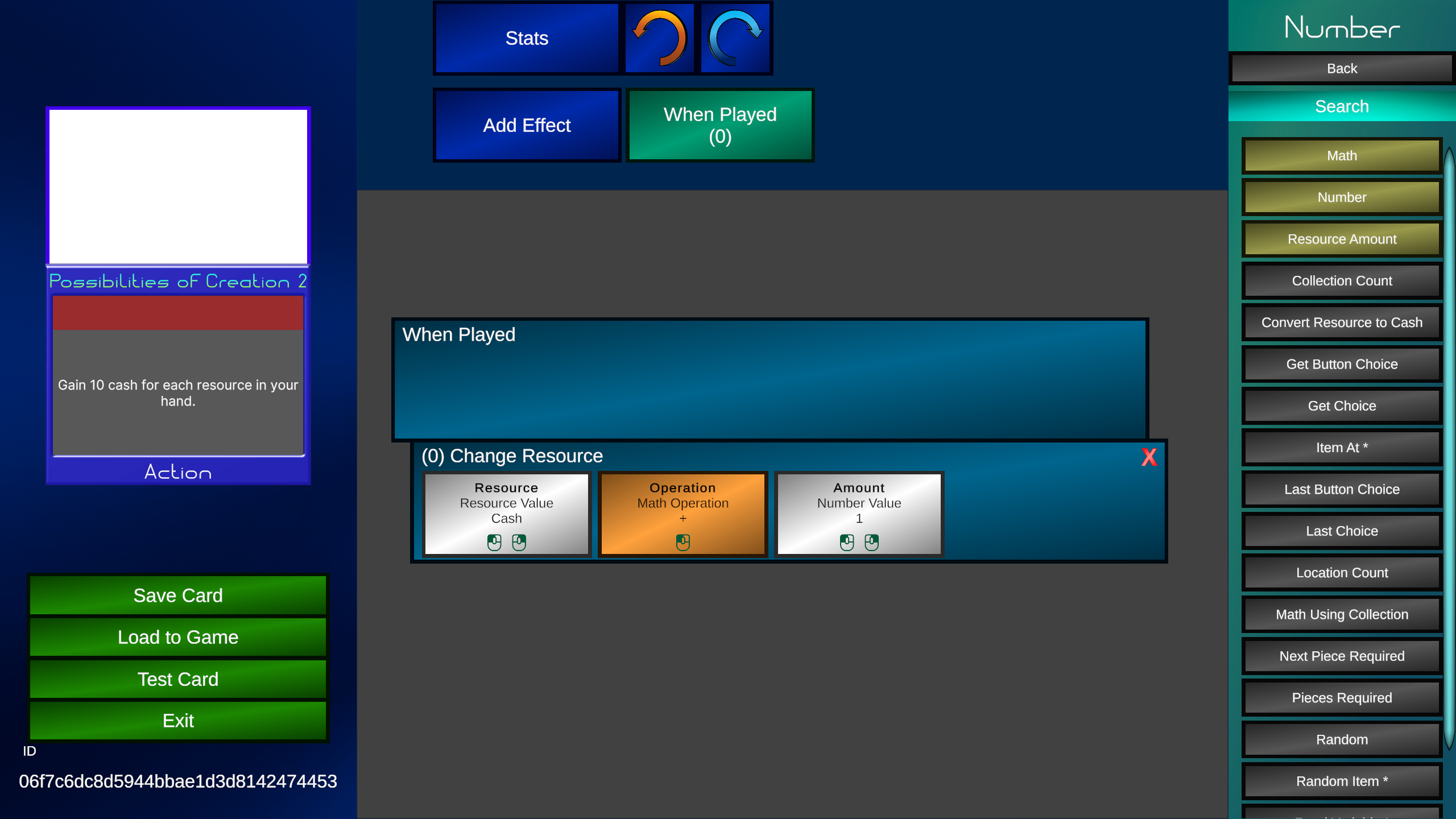
Making the card
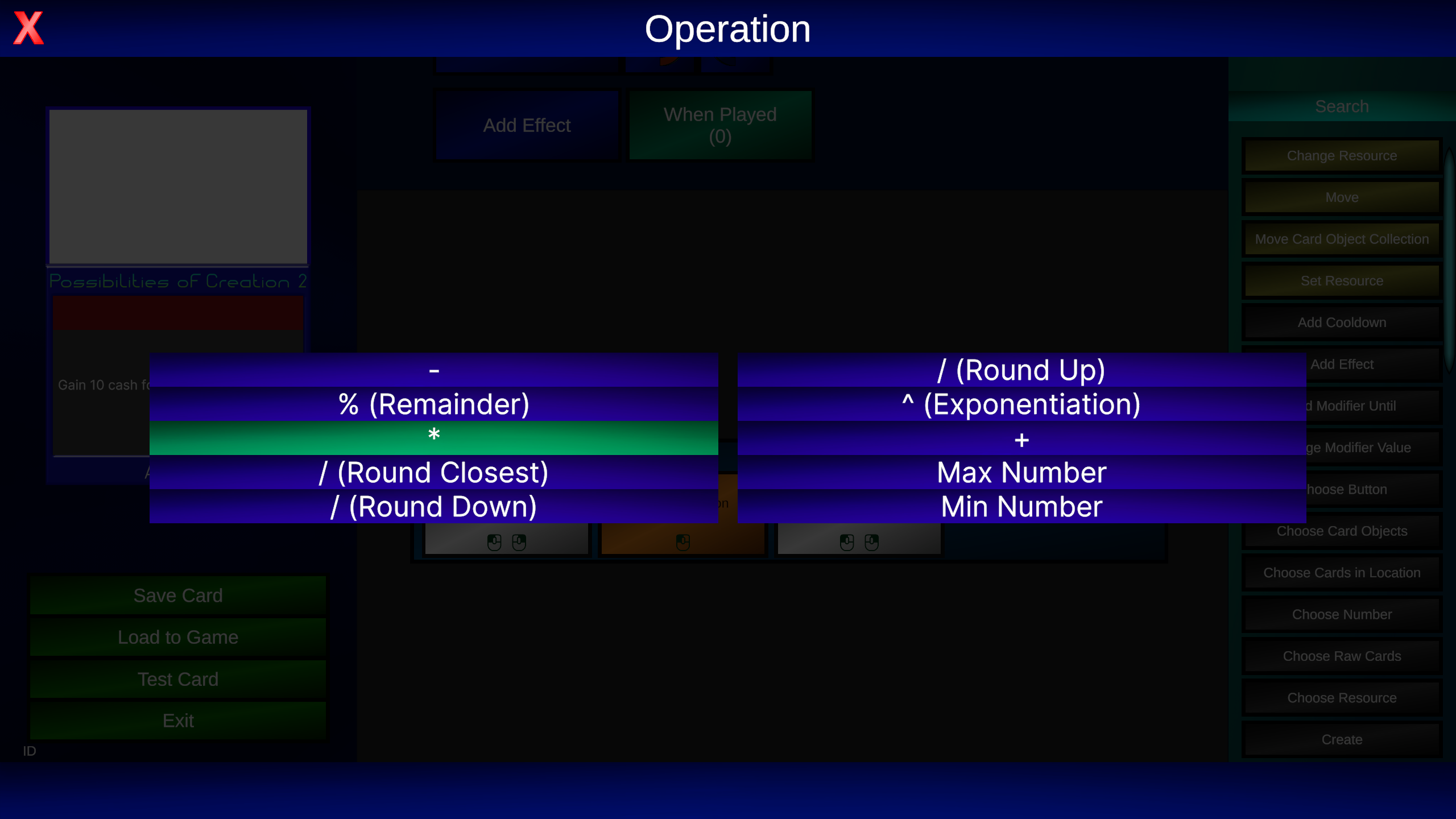
We are first going to select the "Math" block. We need to do a math operation, because we want to get 10 cash per card in our hand. Clicking on it sets the value at the "Amount" slot to Math. This opens up a new area for us to edit the Math value.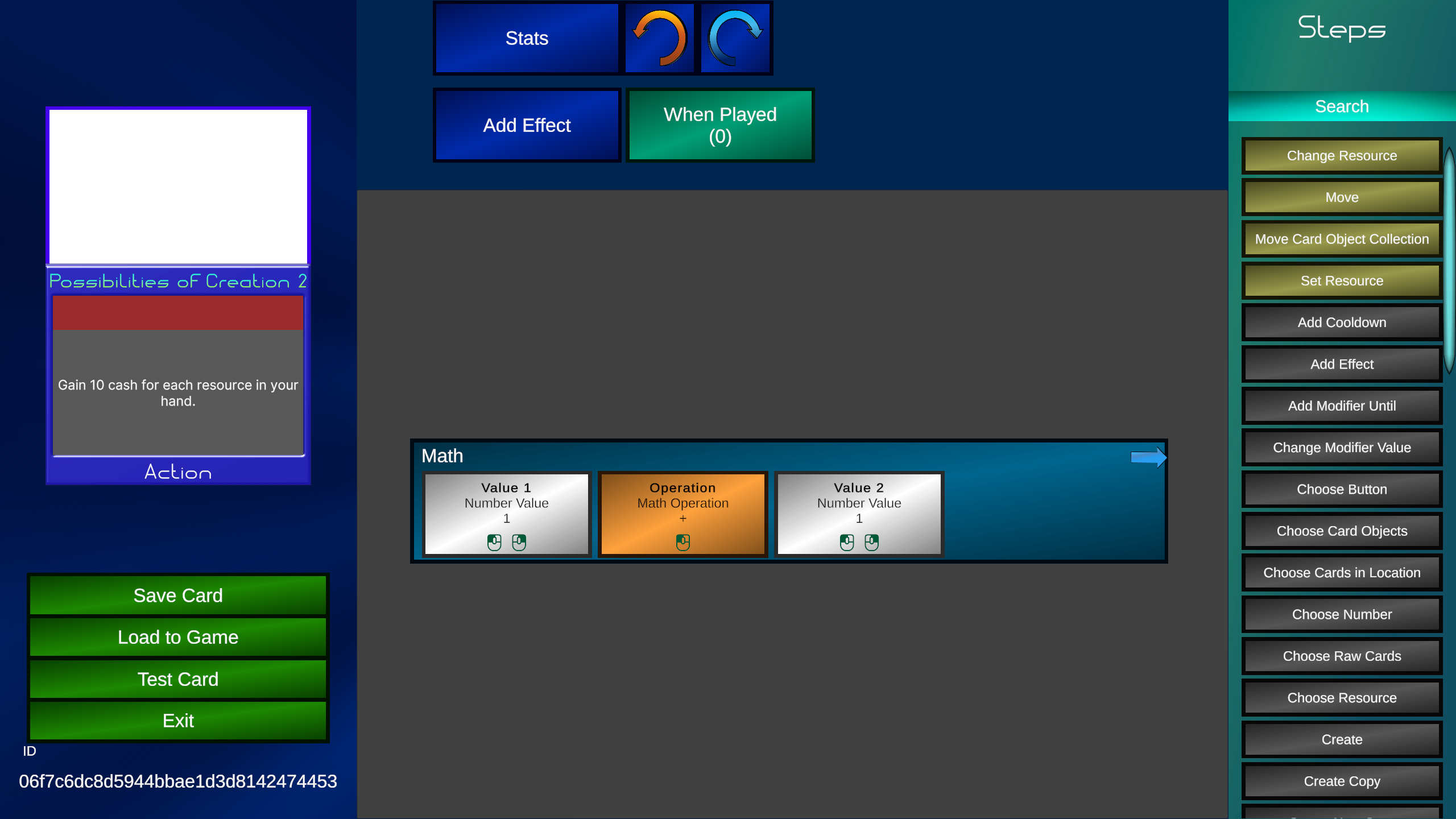 Clicking on "Operation", we will change it to multiplication, and change "Value2" to 10 since we will be multiplying by 10.
 Now how do we get it to know how many cards are in our hand? Simple. Another value. Press on "Value1", and now we are going to select "Location Count".
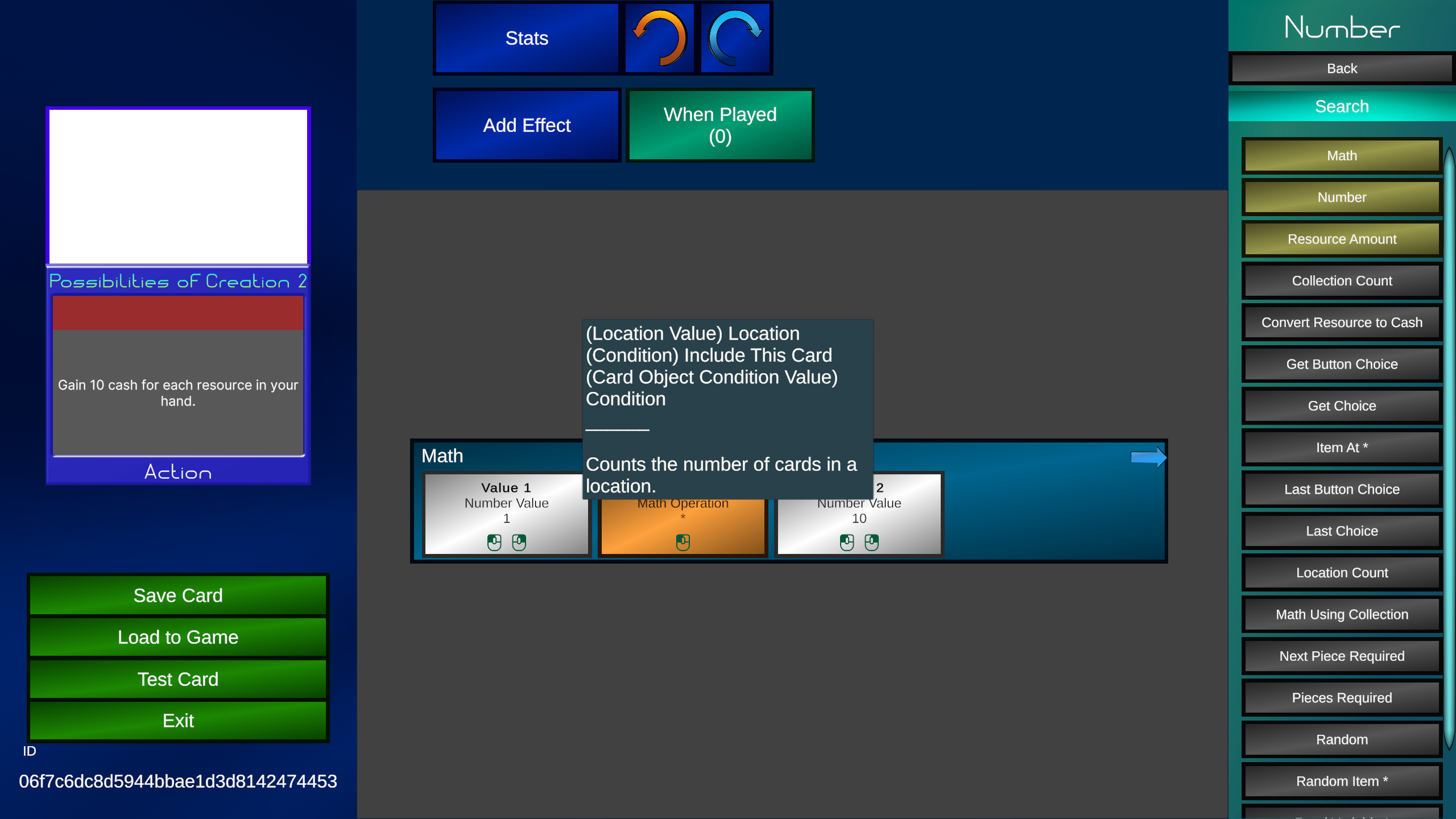 This will give us the number of cards in a location (locations are areas cards can be in). Now another area will open up.
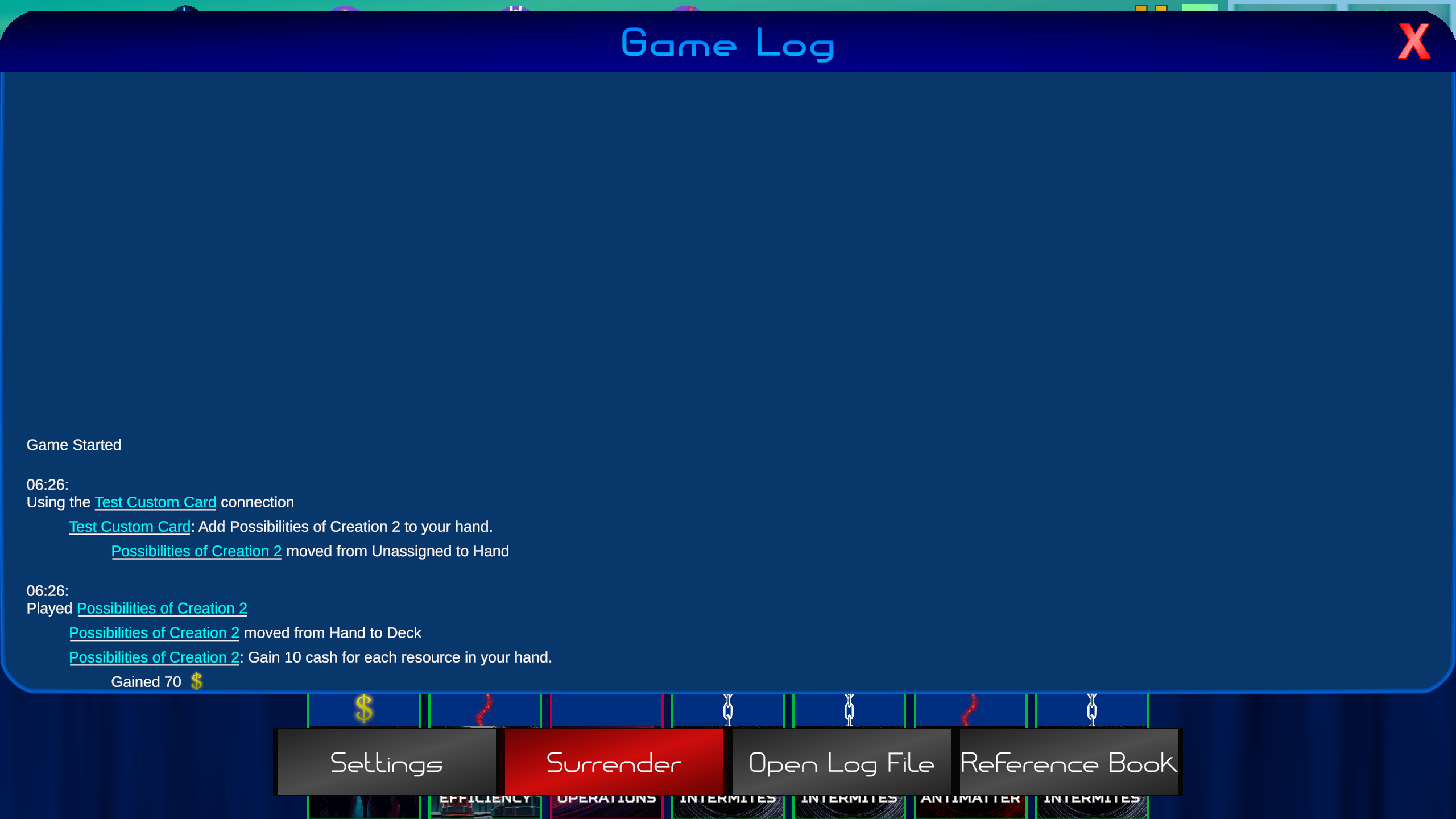
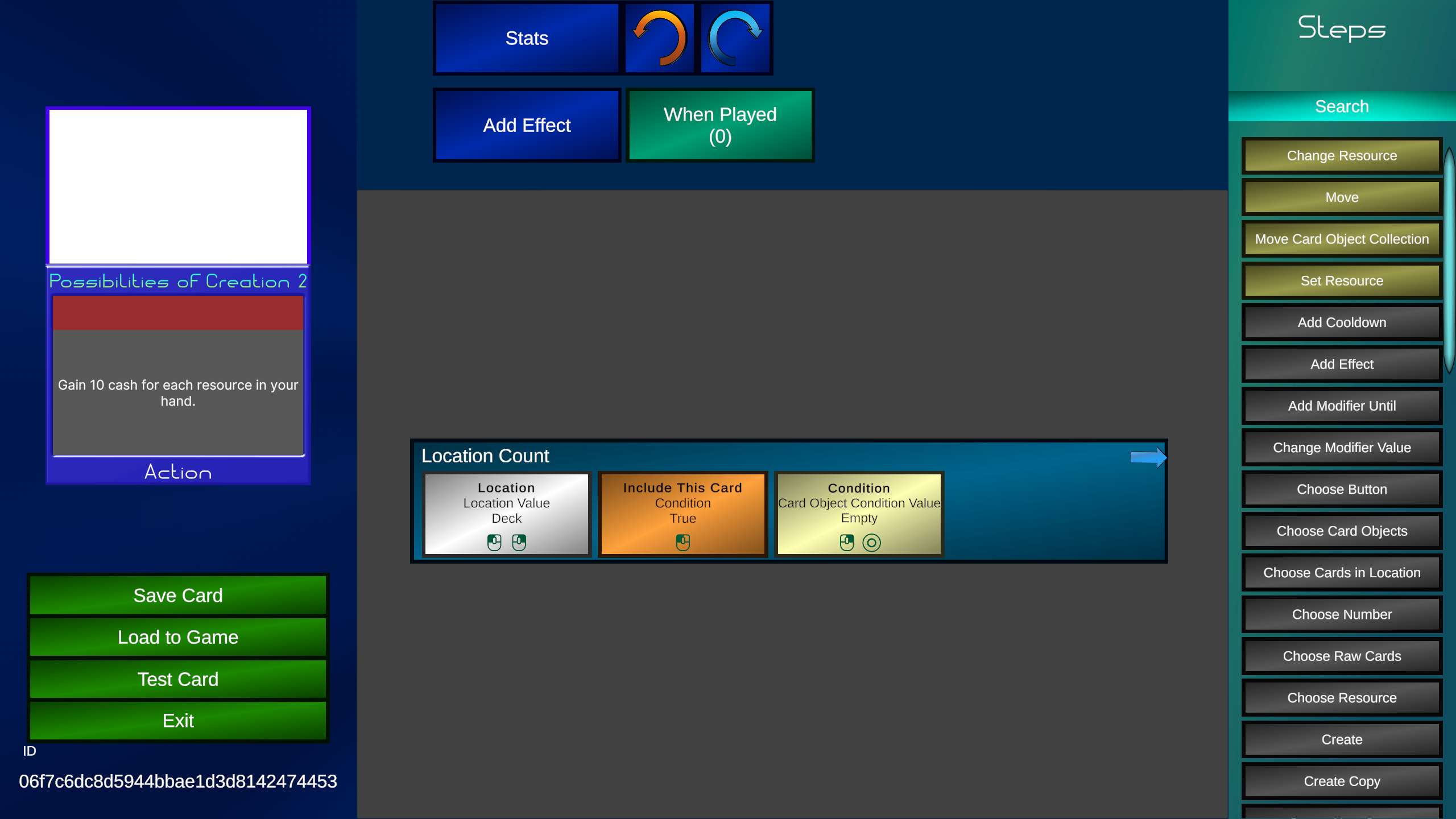 Now just assign "Location" to hand, and the card is complete. We will gain 10 cash for each card in our hand. This was a somewhat complicated tutorial, but it has explained a lot of esentials. Here is the card being played.
Every week I will release 2 updates. One for Timepath's gameplay, and one for the card editor. Join our discord or follow our X account to get notified about updates.