

10/23/2026 / Timepaths

Possibilities of Creation 4:
A Decision to Make
Possibilities of Creation is a weekly series that will be describing how to make cards in Timepath's card editor. The next card we will make is a connection card. When you use the connection, you pay 40 cash, then we will choose one of 4 random cards in the game. The card we chose will be added to our hand. Cooldown: 20 seconds. This will introduce a few concepts. Card Models, Choices, and Connection cards.
Getting Started
Once again, we will enter a name and description for the card. Under "Resources Spent", we will add Cash because this card will spend cash when it's connection is used. The Card Type will also be changed from "Action" to "Connection".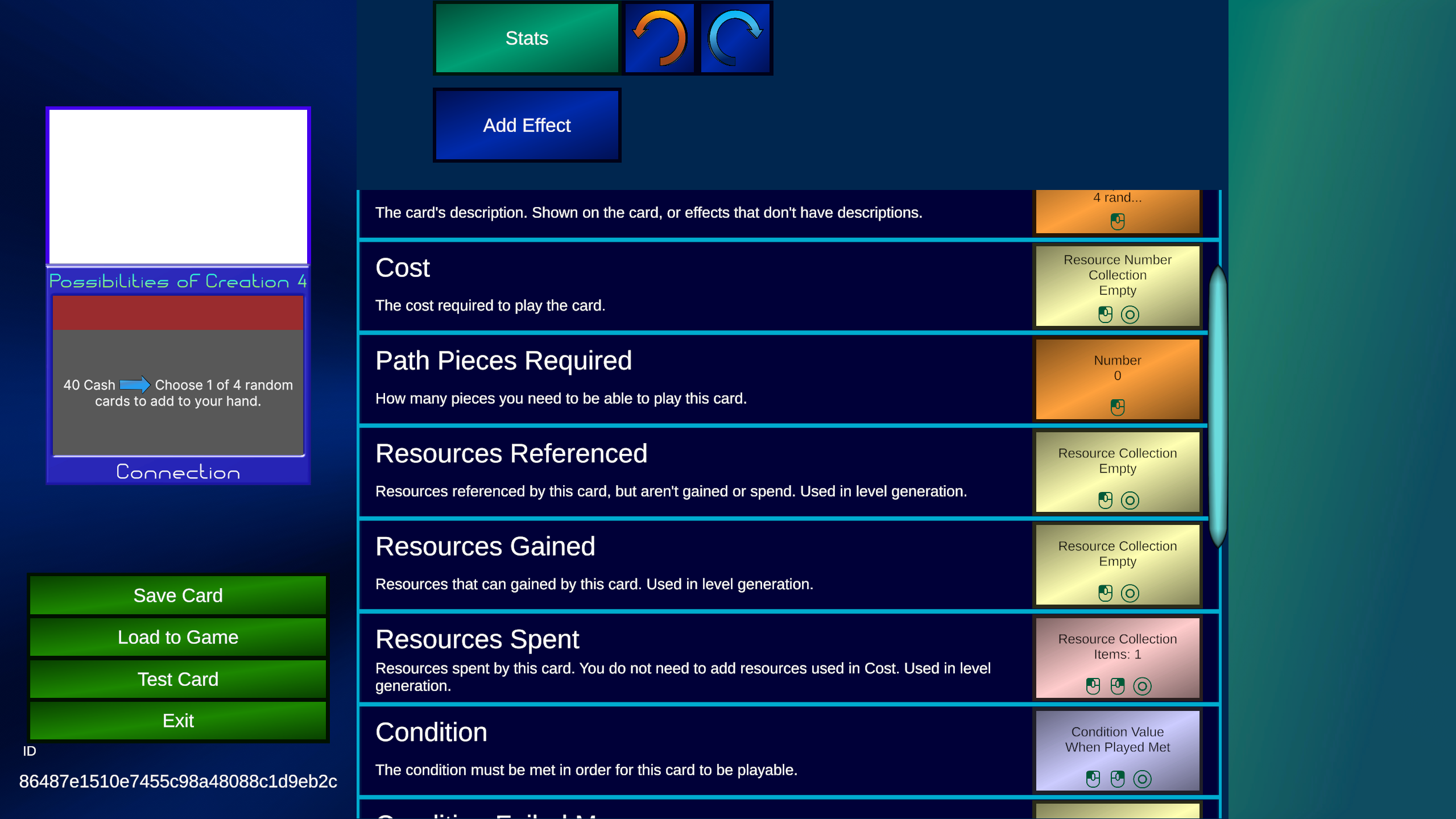 Add a "Connection Used" trigger. Once that's added, click on the "Connection Used (0)" box.
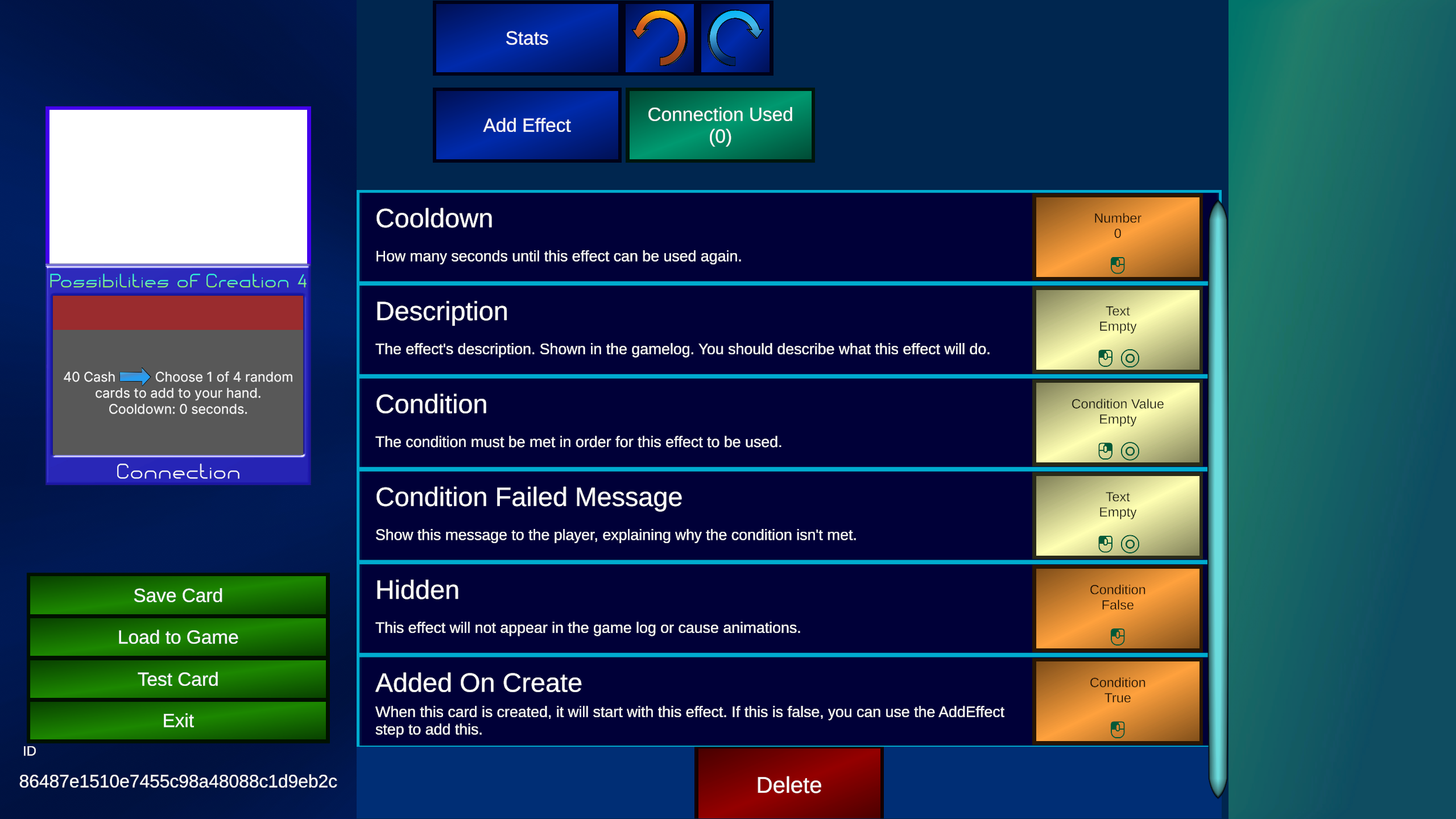 We need to set a Condition so we can't use this connection if we don't have enough Cash. Right Click / Long Tap to bring up the Condition menu, then select "Enough Resources". This Condition will be true if you have enough of a Resource. We will set "Resource" to Cash, and "Amount" to 40.
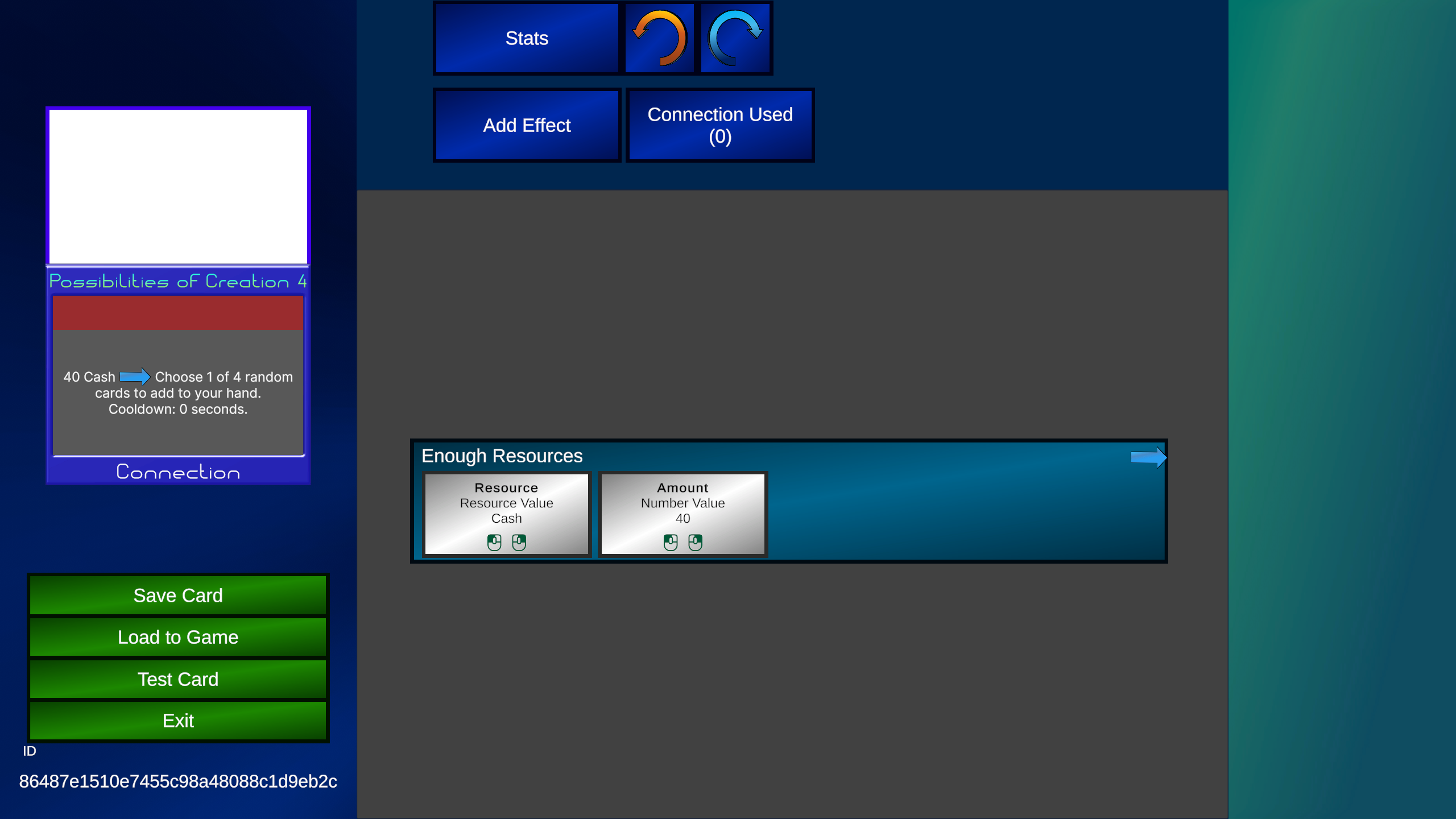 At the top there is a "Cooldown" setting. This describes how many seconds we need to wait to use the connection again. We will set "Cooldown" to 20. This automaticly updates the description.
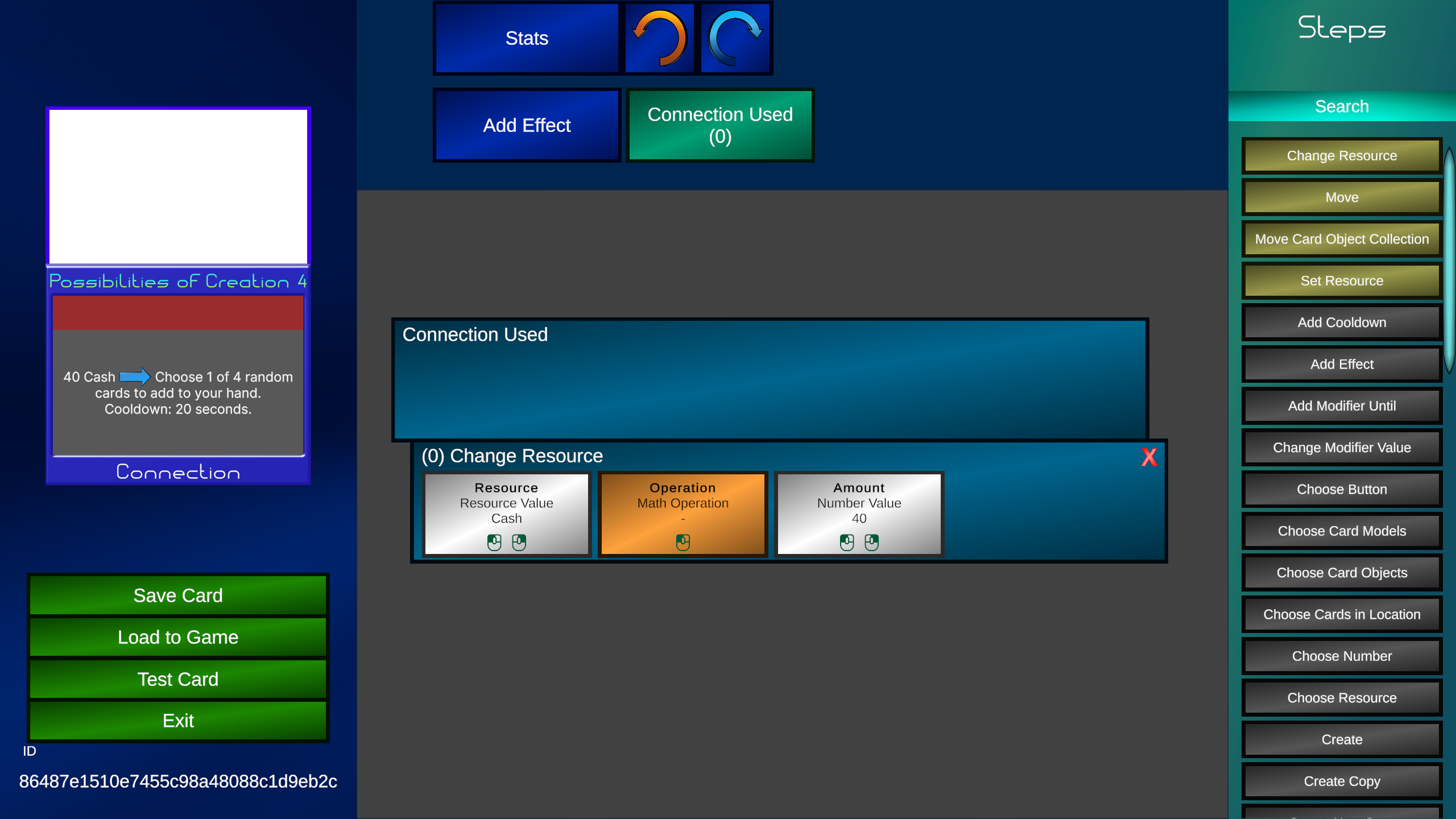
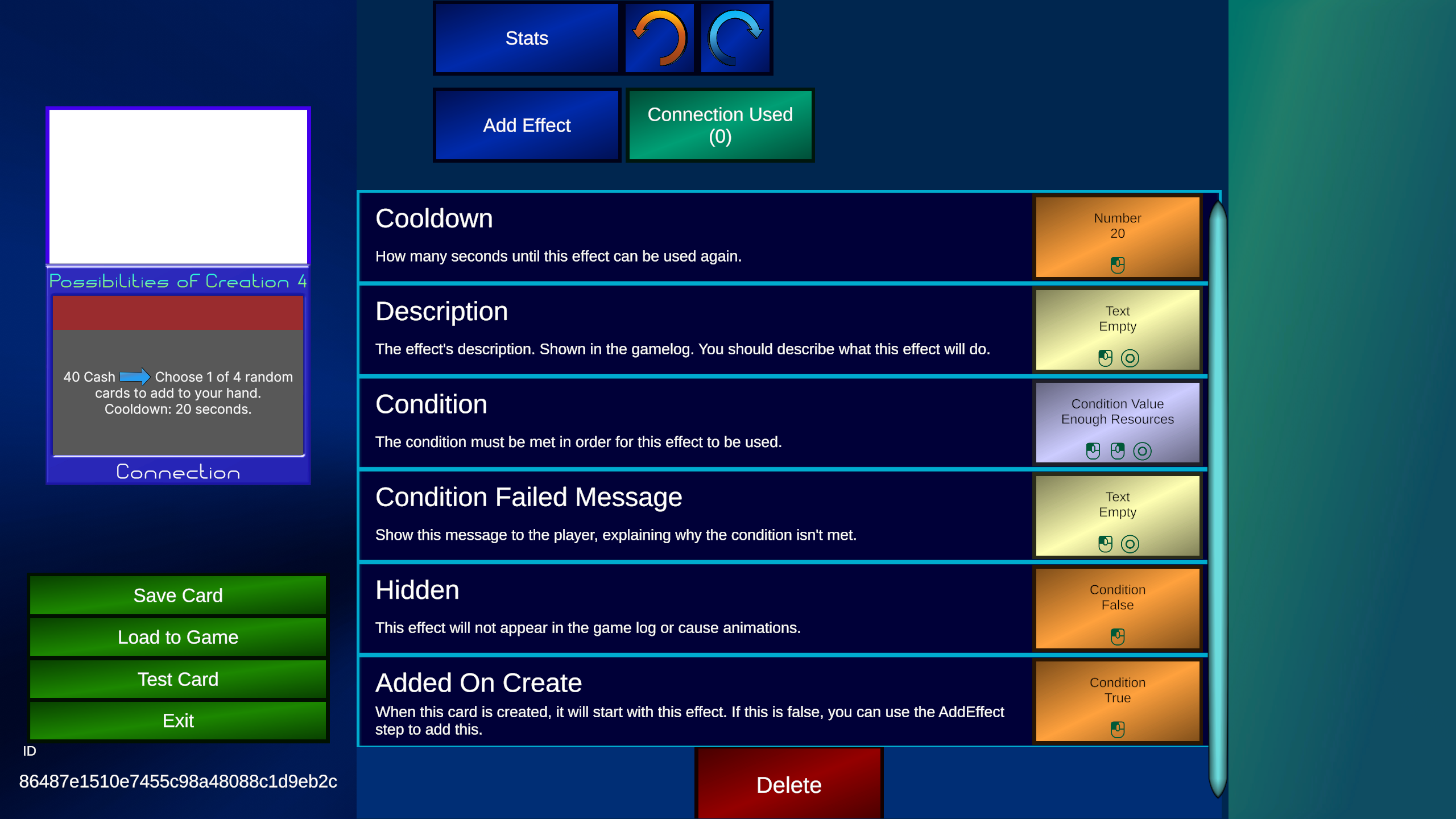 Now click on "Connection Used" again to return the effect editor. Add a "Change Resource" step, setting "Resource" to cash, "Operation" to subtract, and "Amount" to 40. Then add a "Choose Card Model" step. This step will allow us to make a choice. We need to discus what a Card Model is, by first establishing what a Card Object is.
What is a Card Object?
Everytime we've dealt with a Card so far, it's been a Card Object. A Card Object is an individual instance of a card during gameplay. Each Card Object is unique and holds information that applies specifically to that card while it's being used in the game. This includes the location, modifiers, variables, or any new effects gained. Each Card Object in the game is treated as unique.What is a Card Model?
A Card Model is the basic model or template for a card. This includes everything you are editing in the card editor, including the name, description, and effects. Card Models are static and represent the card as it was originally designed. When the game starts, each Card Object will use a Card Model as a reference to build an idenity from. The best way to think of it is like a car. Think of your favorite car company (if you have one), and you'll know they will have several different car models (Similar to Card Models). But each individual car, while based one the same model, are their own object (Similar to Card Objects). That pretty much describes the differences.Choosing a Card Model
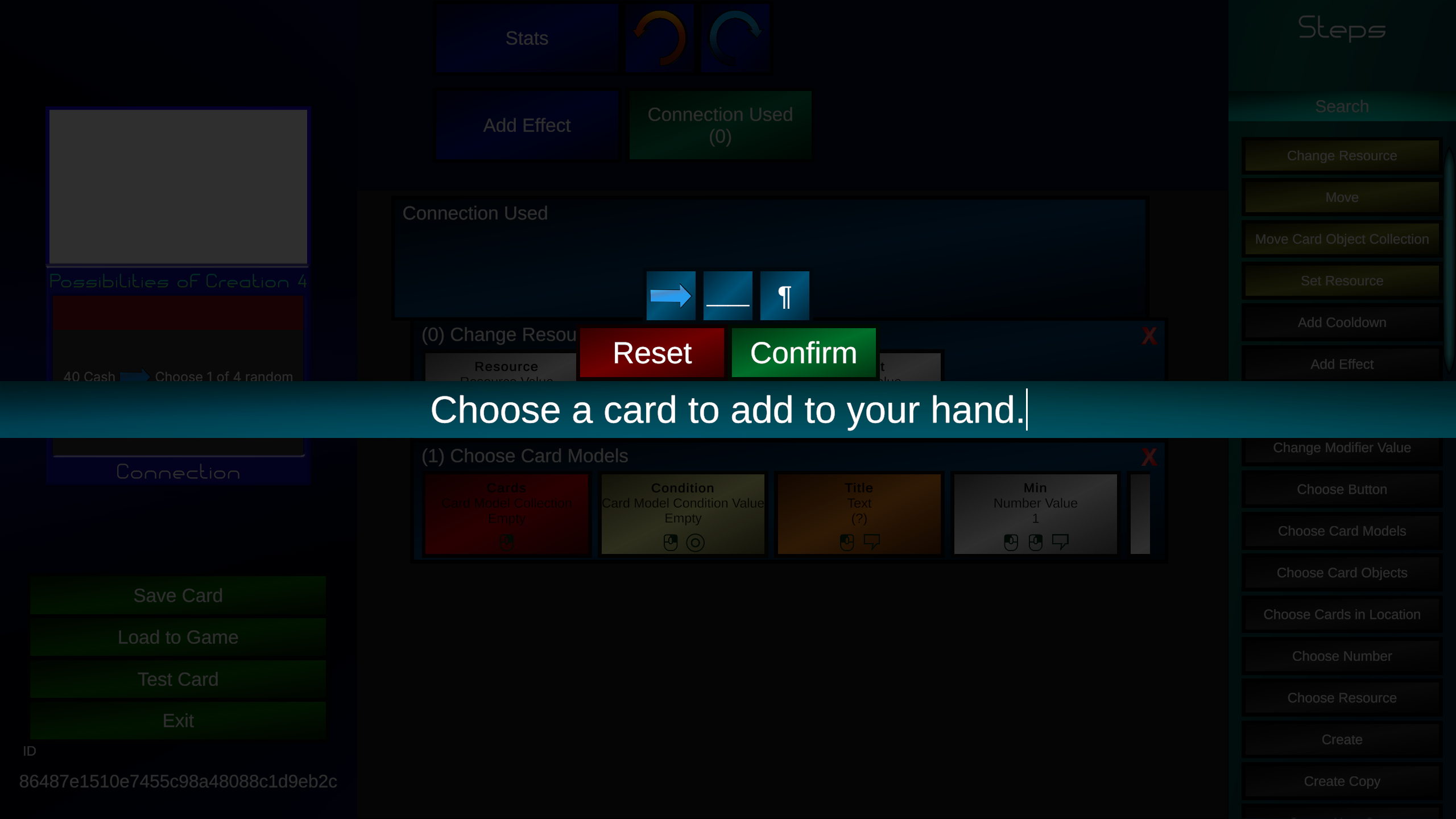
Now that we discussed Card Models, we need to make the Choice work. This step has a lot more slots than most steps do, and you may notice the right of it is cut off a bit. That is letting you know you can scroll to see more slots.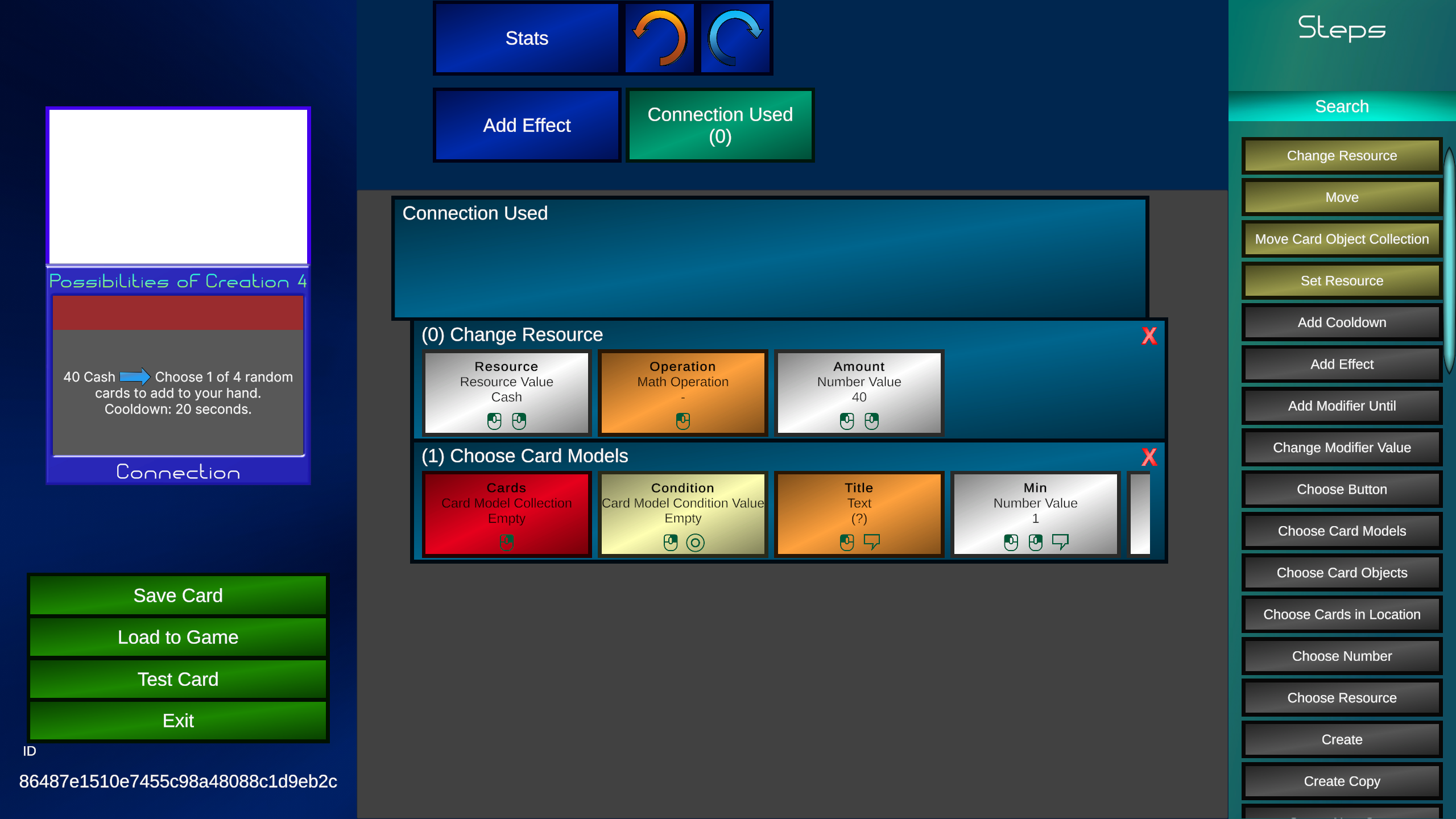 Let's first focus on the "Title" slot. This text shows up to the player when they are selecting the choice. You should describe to the player what they are picking. This slot (as well as several slots here) have a talk bubble symbol at the bottom, this means you can hover (or long tap on mobile) the slot to get a popup describing more about this slot.
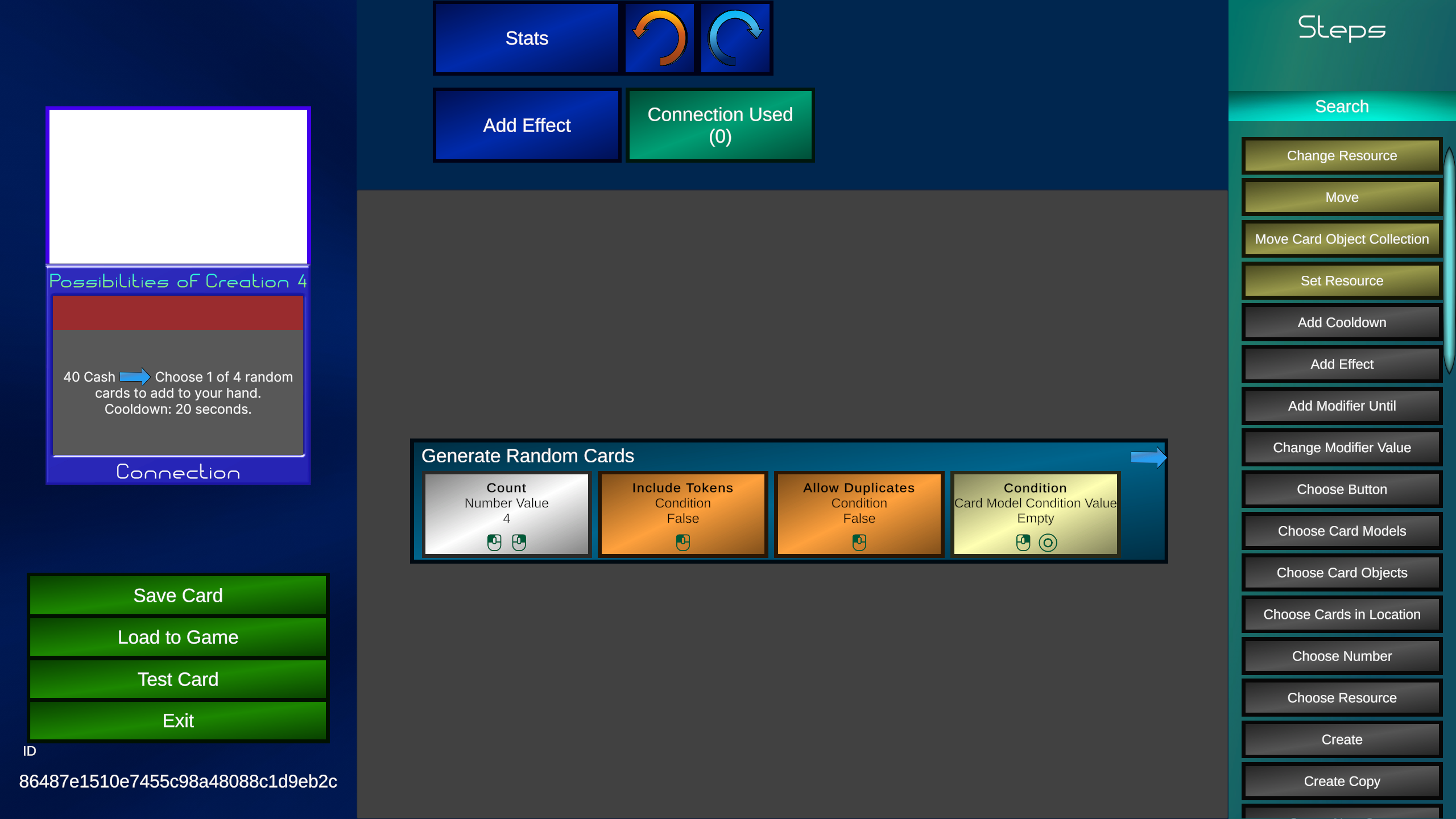
 Now under "Cards", we will bring up the values menu, and select "Generate". This will pick random cards in the entire game (As long as they meet the level's resource requirements). We can select how many cards we want. In this case we want 4. We can also optionaly set a condition that must be met, but we don't need to here.
 With that our choice is complete. Now to put the card in our hand.
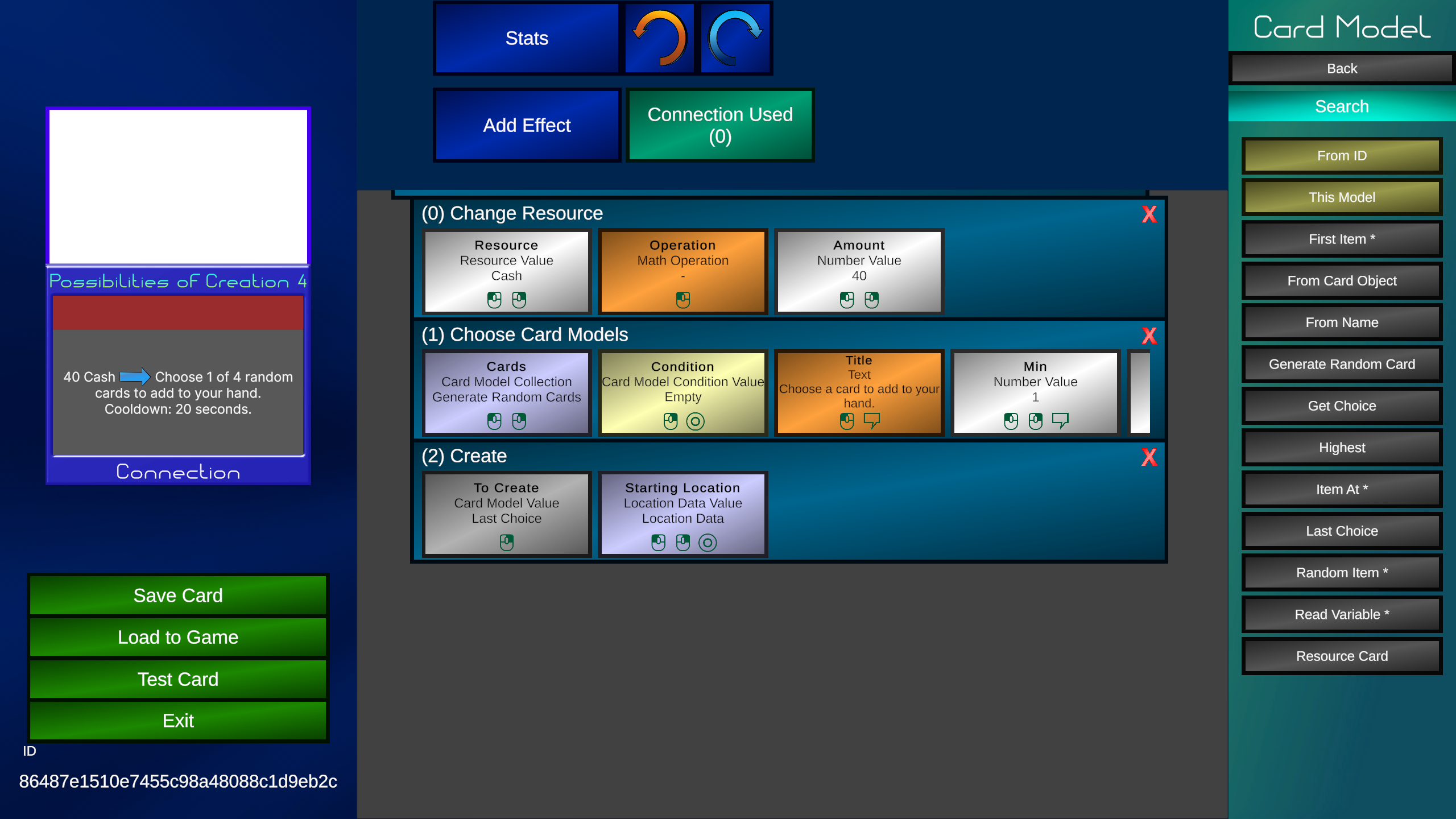 We will use the "Create" step. Set the "Location" to Hand. Now bring up the values for "To Create". We will select "Last Choice" With that, the card is complete.
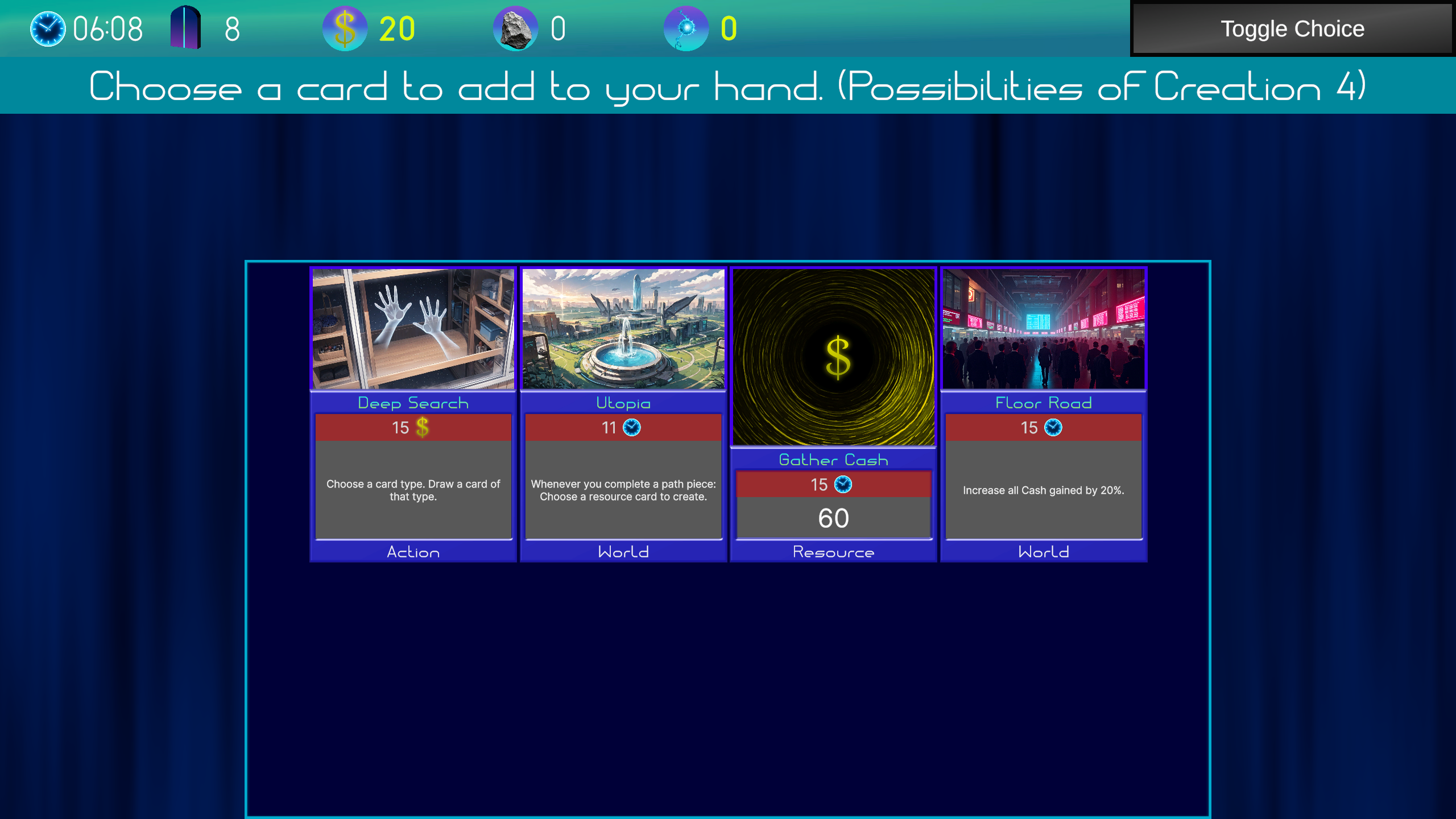
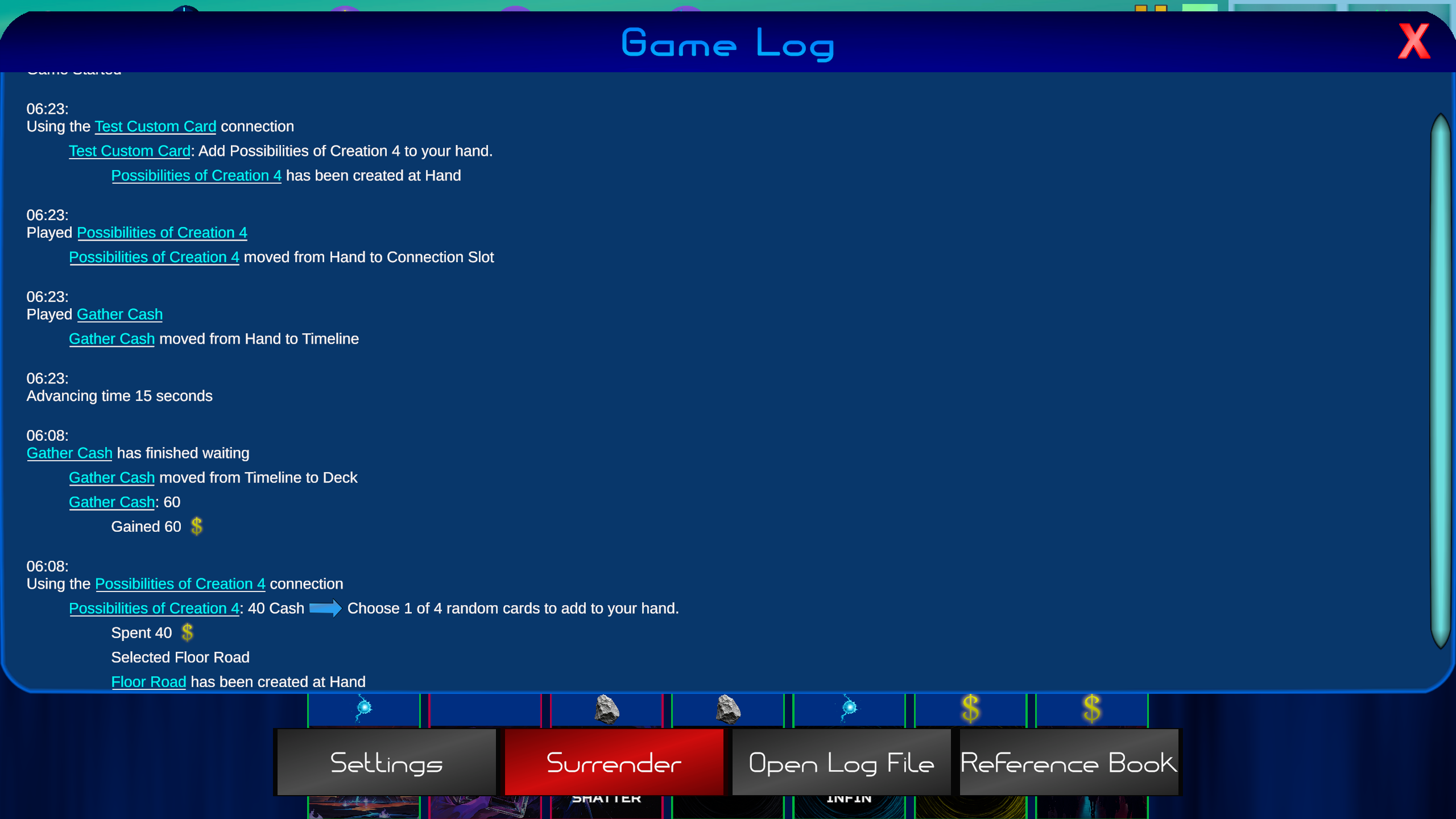
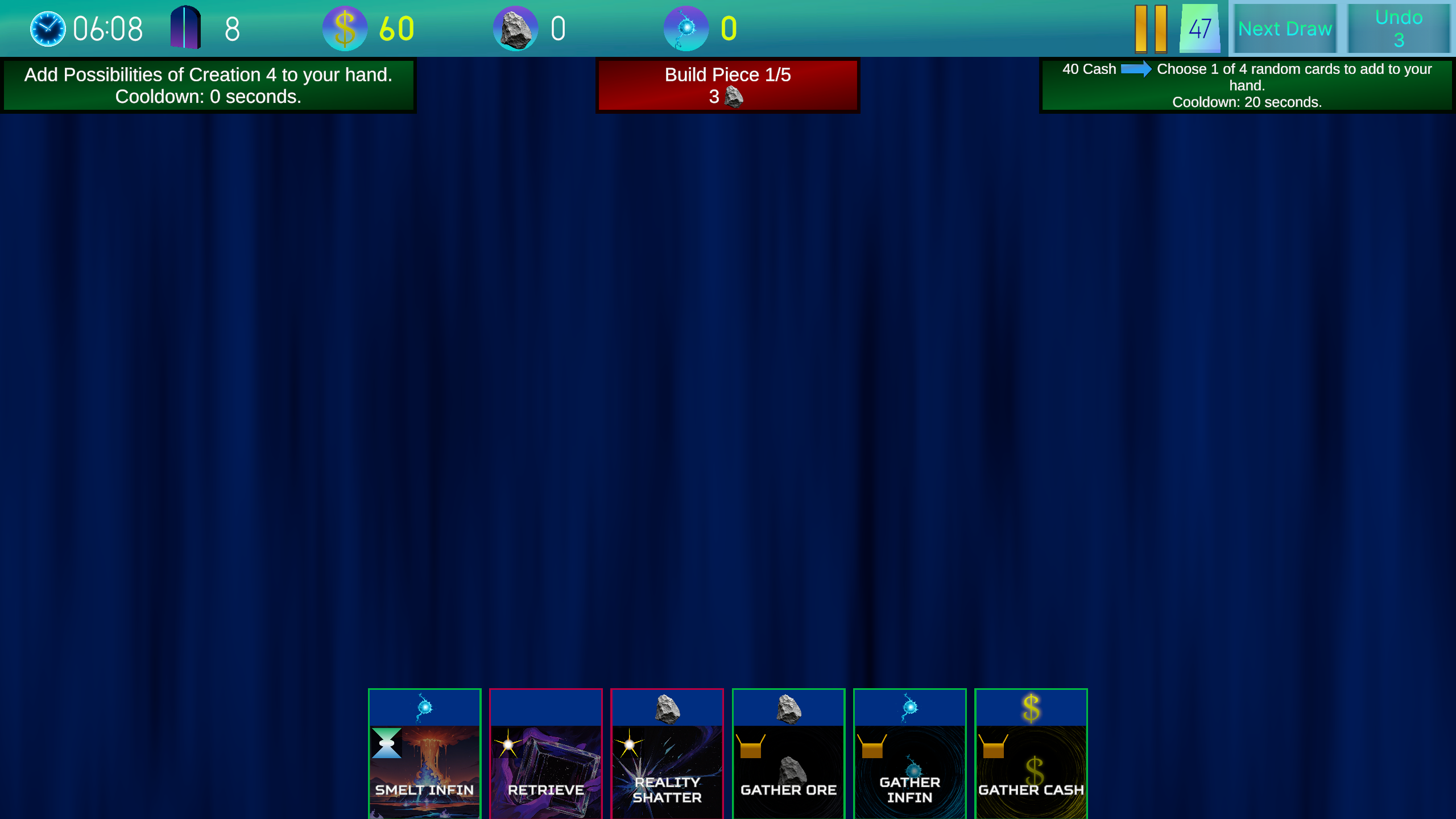 Here is the card being played. First we select one of 4 random cards.
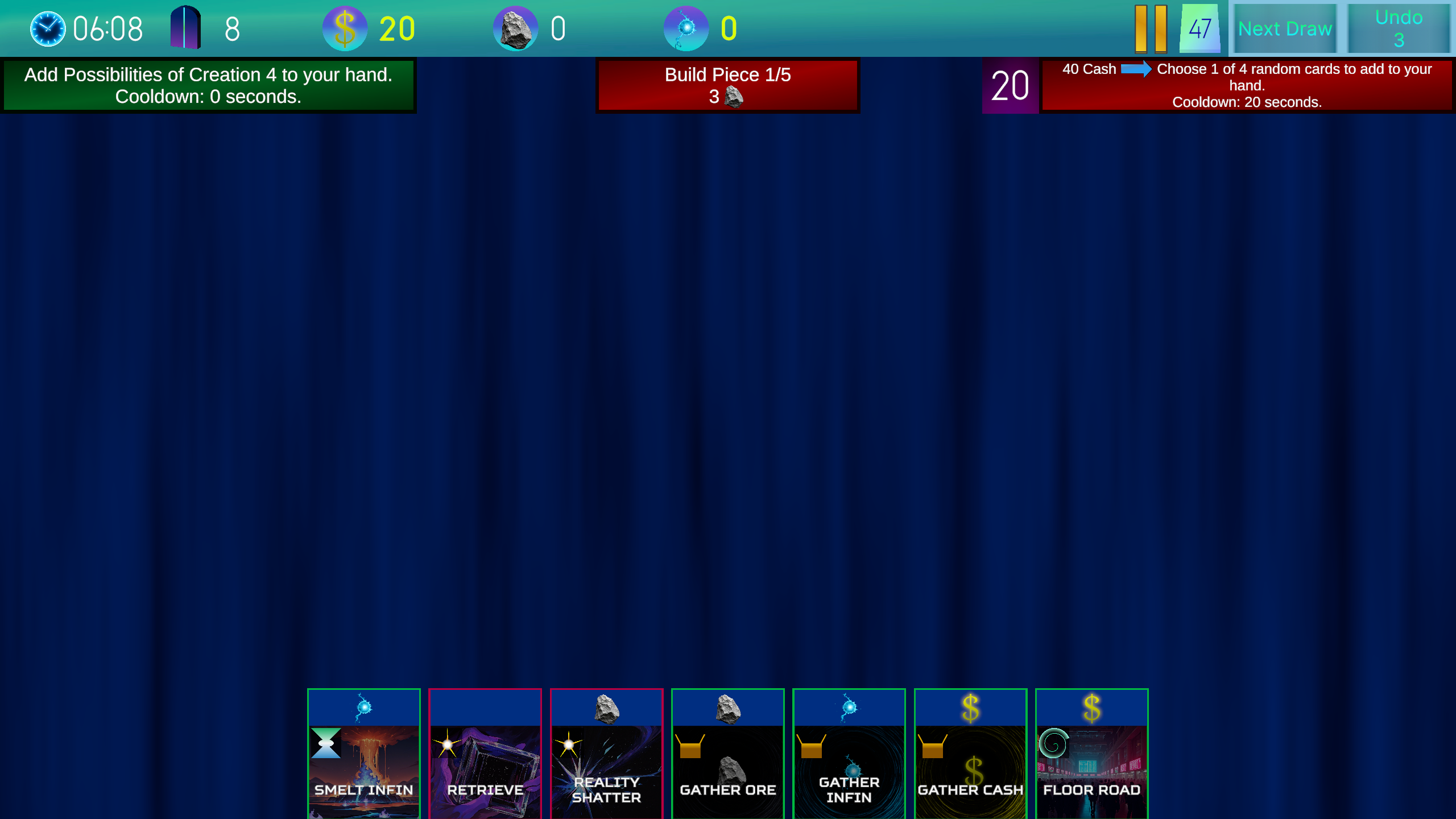
 Then it's added to our hand. The connection now has a cooldown of 20 seconds.
Every week I will release 2 updates. One for Timepath's gameplay, and one for the card editor. Join our discord or follow our X account to get notified about updates.