

10/19/2026 / Timepaths

Guide to the Timepaths 4:
New Connection
I have covered 3 of the card types before. Here's another. These are connection cards.
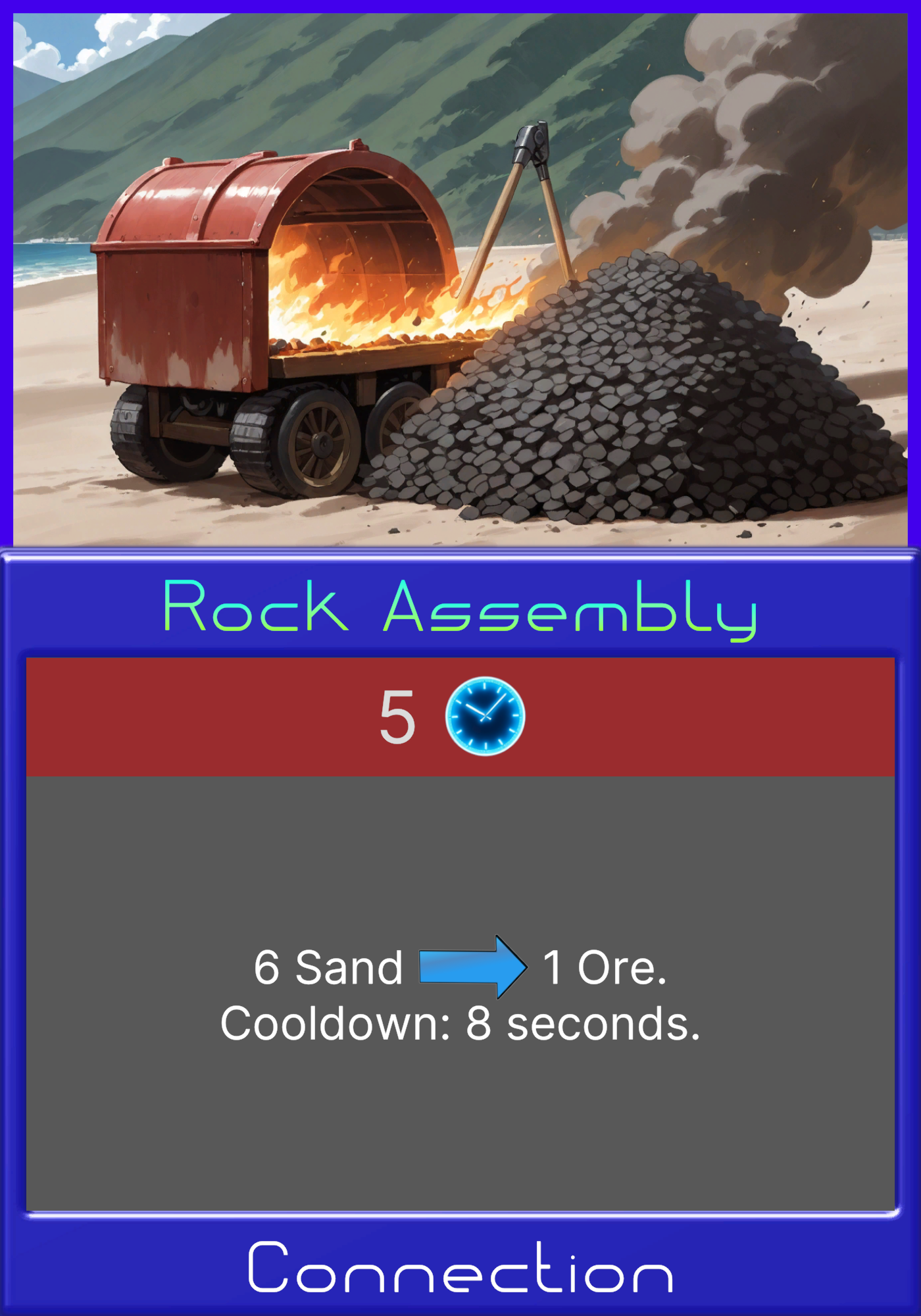
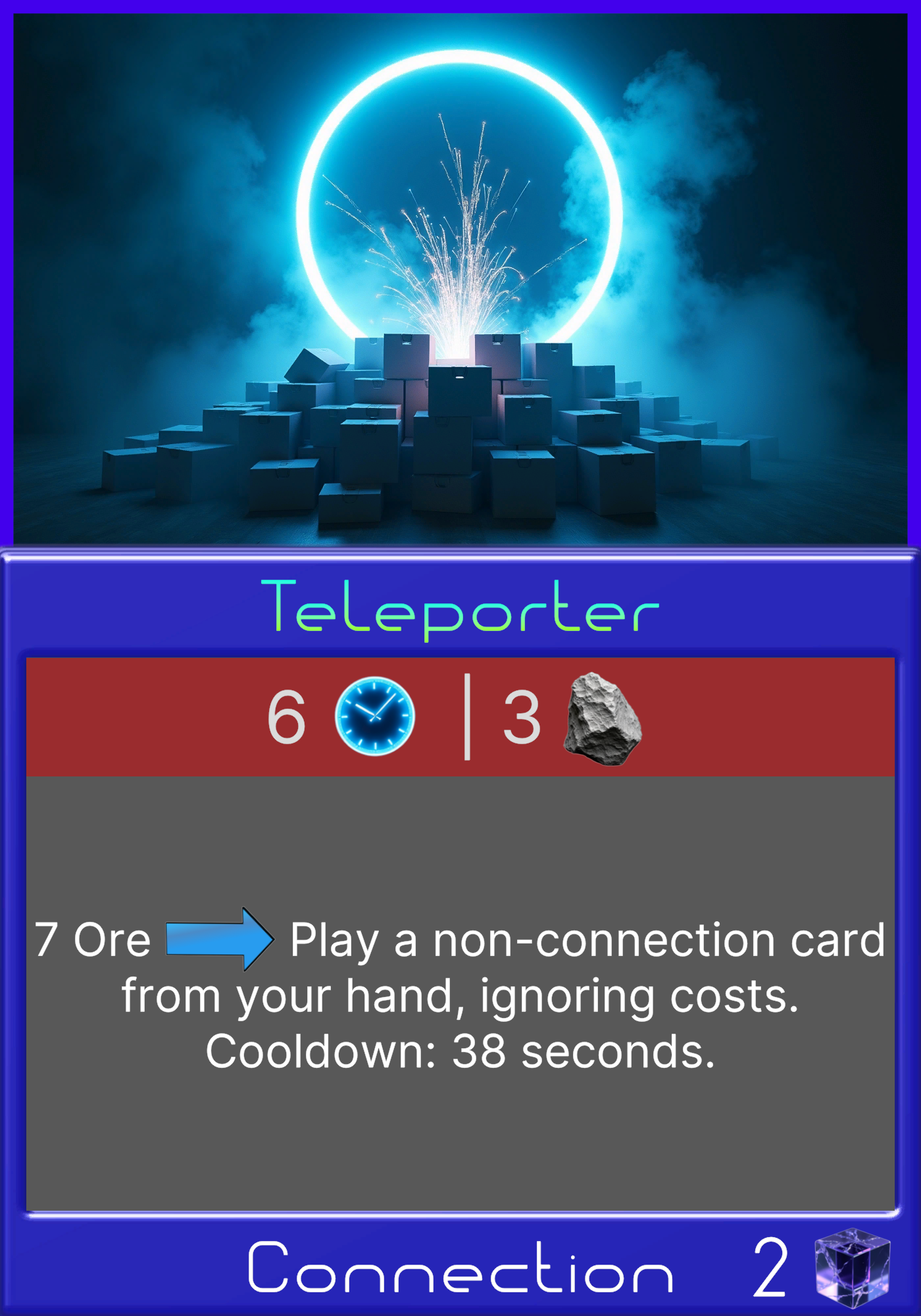
Connection cards are placed in one of the 2 slots pictured at the top of the UI.
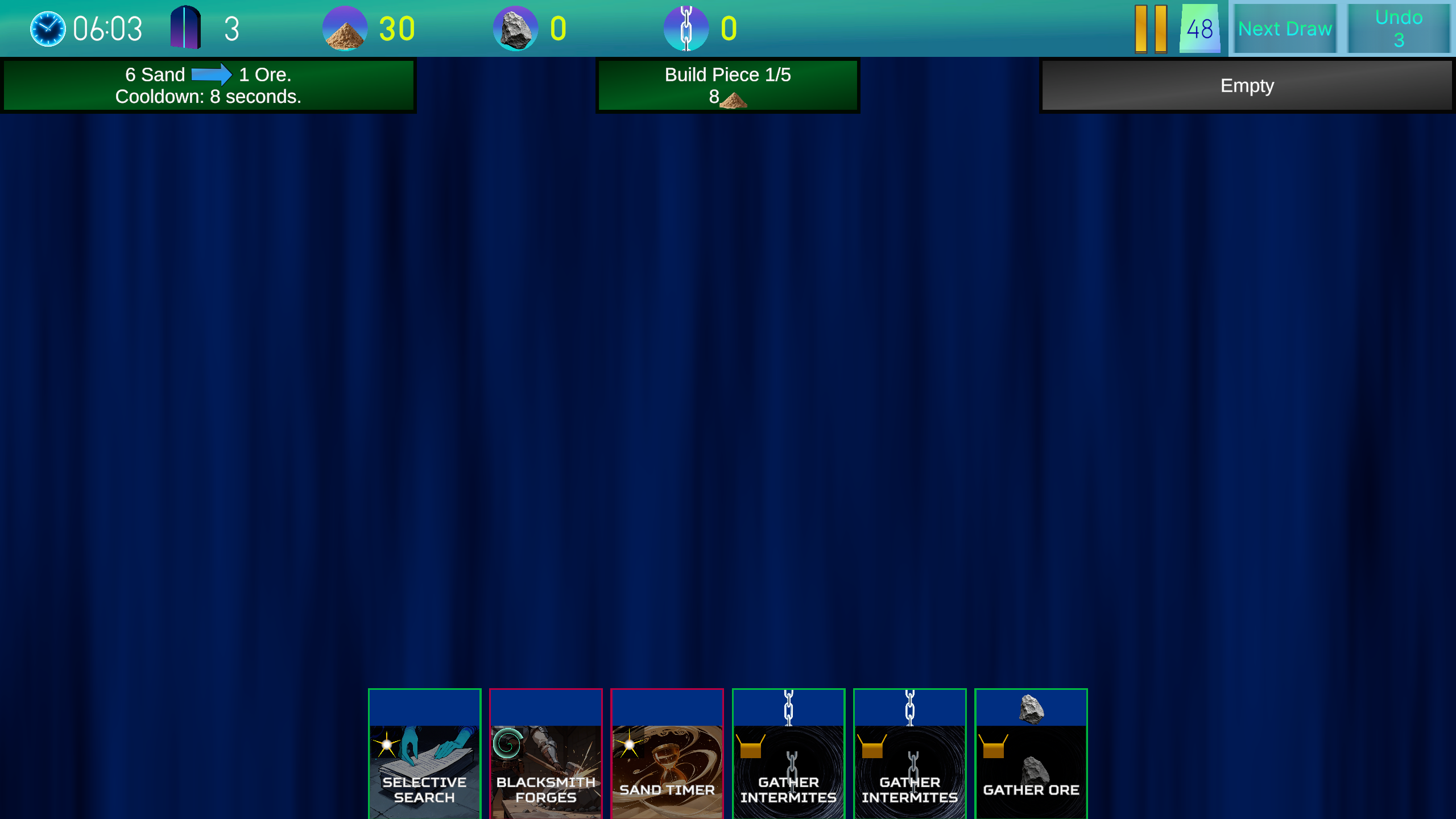 You can press on the button to use it's effect. Then it goes on cooldown for a certain amount of time. Here's an example.
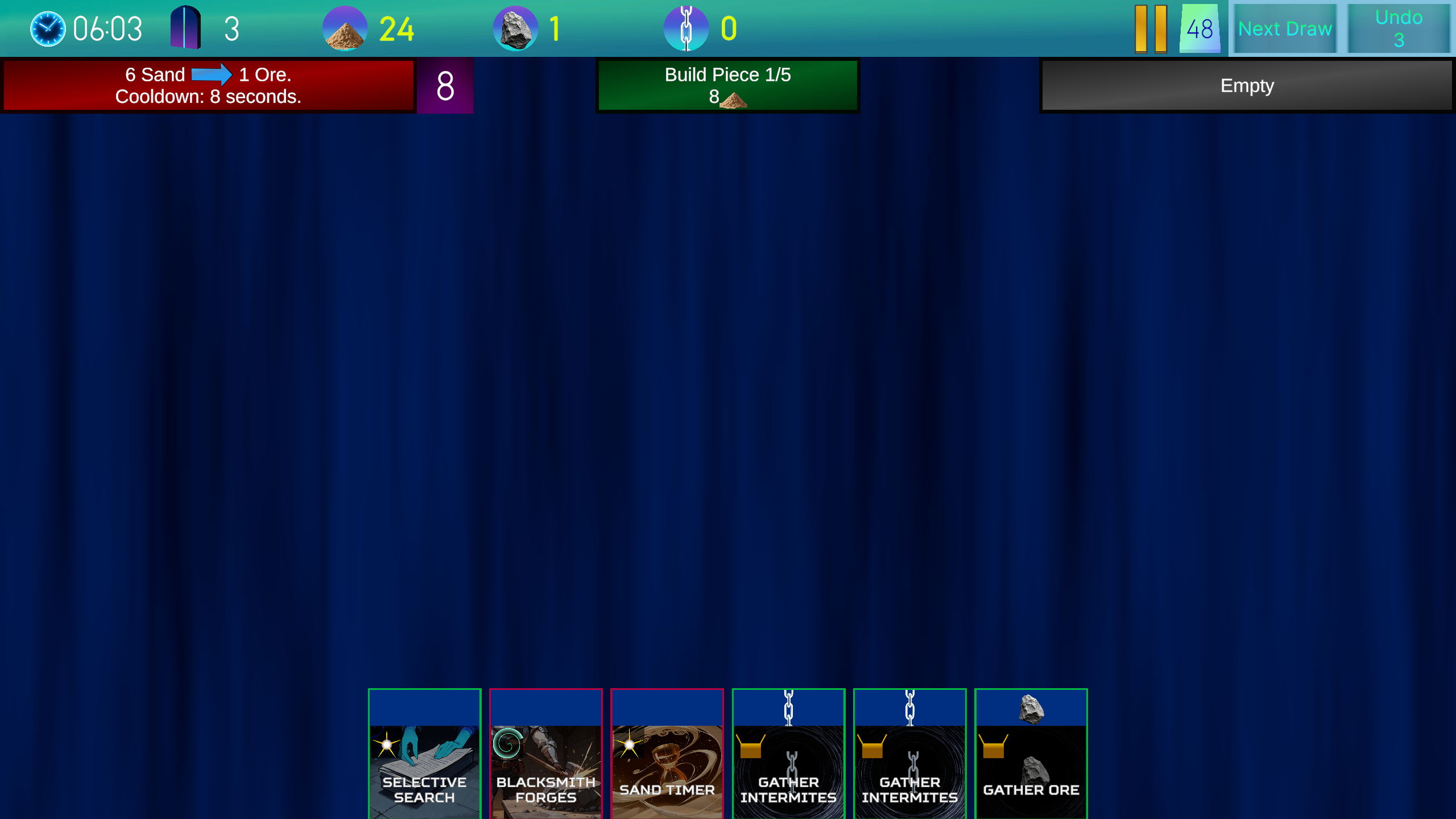
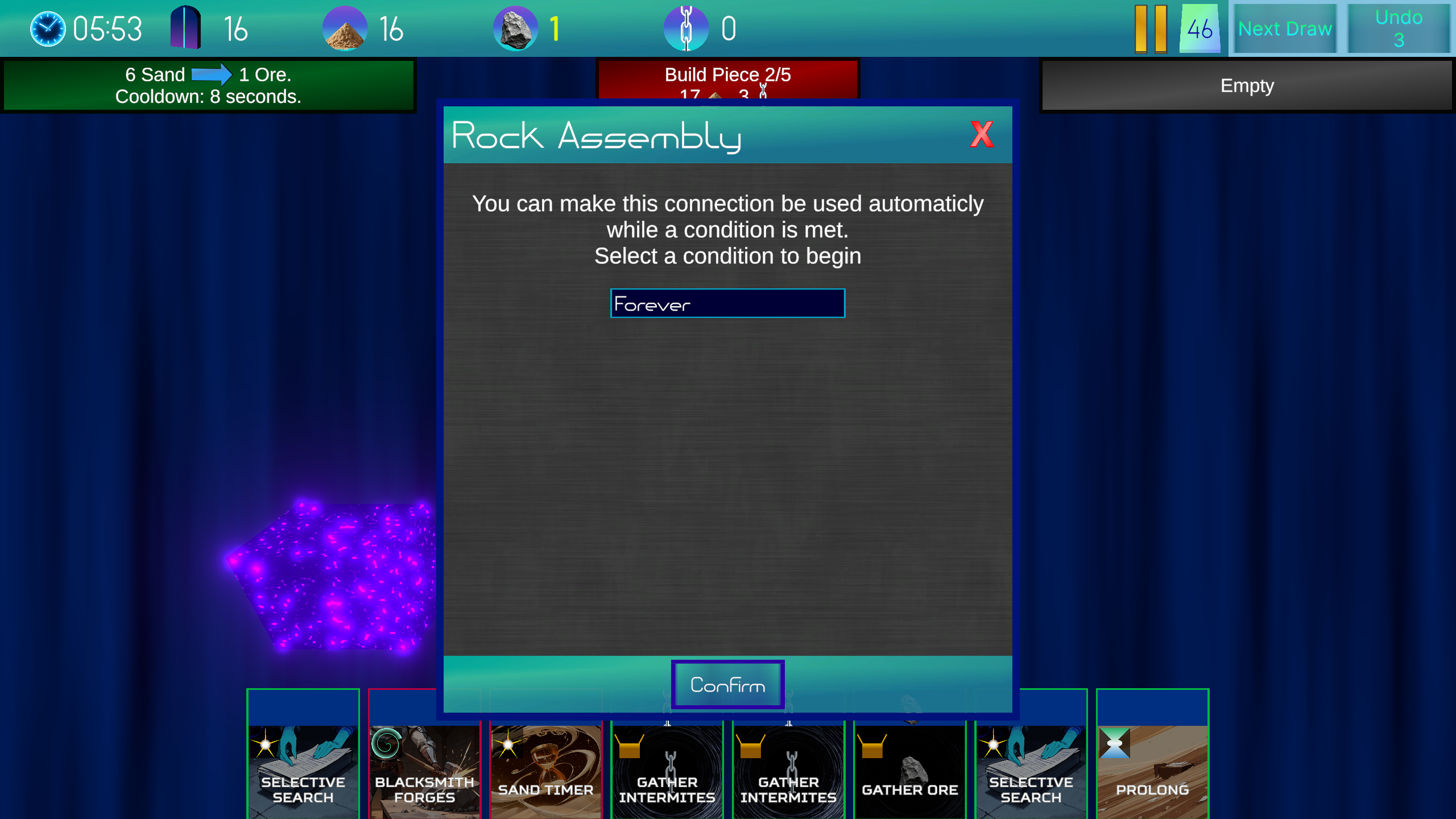
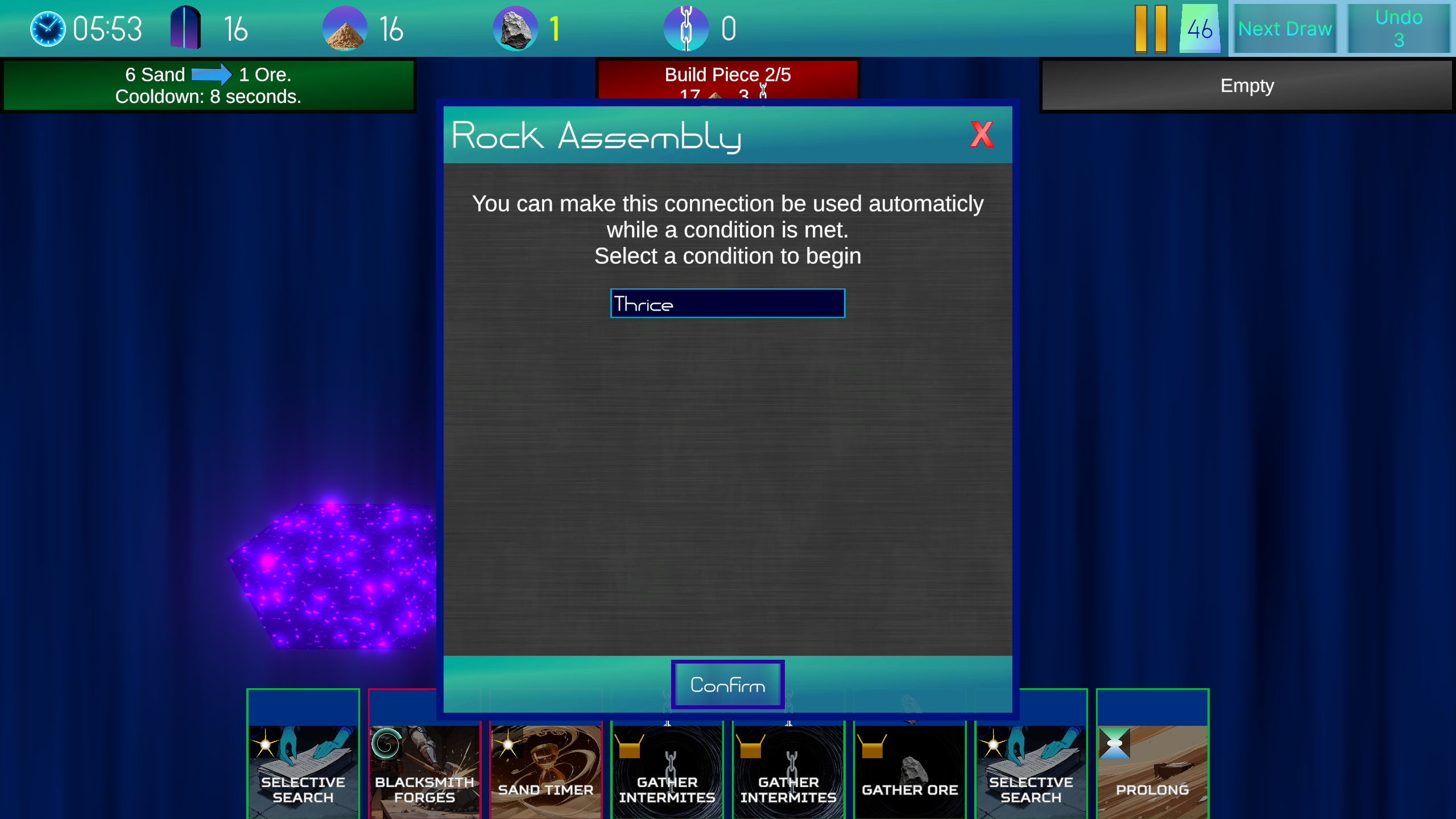 You can make connections repeat their effects forever, 1-3, or until you build the next bridge piece. You can also cancel the loop anytime.
 Connections add another level of depth to the game, allowing you to choosen when you want trades to happen, as many times as you want. Since there are only 2 connection slots, you might need to replace one of the slots later on with a different card when you need something else.
Every week I will release 2 updates. One for Timepath's gameplay, and one for the card editor. Join our discord or follow our X account to get notified about updates. Make sure to wishlist on Steam to get notified when the game releases.
You can press on the button to use it's effect. Then it goes on cooldown for a certain amount of time. Here's an example.
Looping Connections
During early testing, it was found that players wanted to keep using connections for a while, but didn't want to time their actions to equal the cooldown period. We solved this problem by allowing you to loop connections.
You can make connections repeat their effects forever, 1-3, or until you build the next bridge piece. You can also cancel the loop anytime.
Connections add another level of depth to the game, allowing you to choosen when you want trades to happen, as many times as you want. Since there are only 2 connection slots, you might need to replace one of the slots later on with a different card when you need something else.
Every week I will release 2 updates. One for Timepath's gameplay, and one for the card editor. Join our discord or follow our X account to get notified about updates. Make sure to wishlist on Steam to get notified when the game releases.